
LEGO Build Guide Gallery and Generator Finder
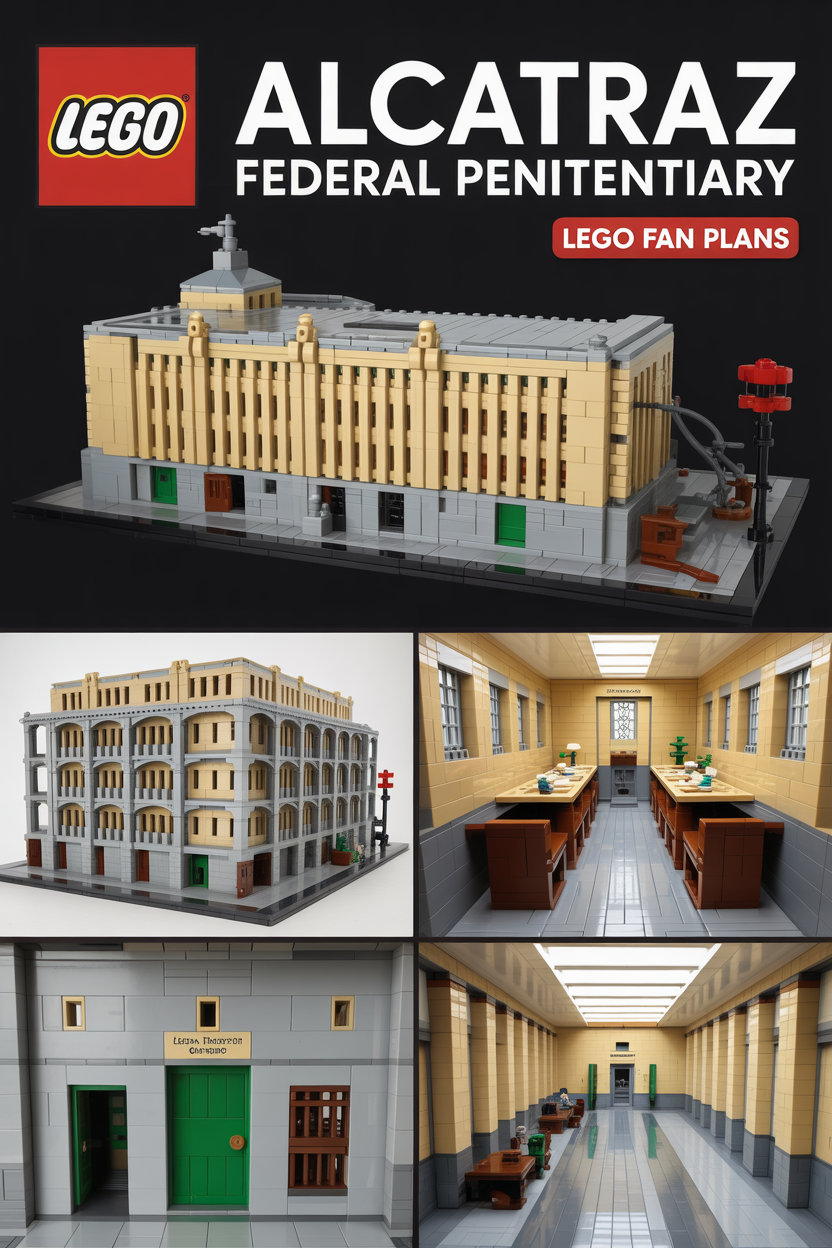
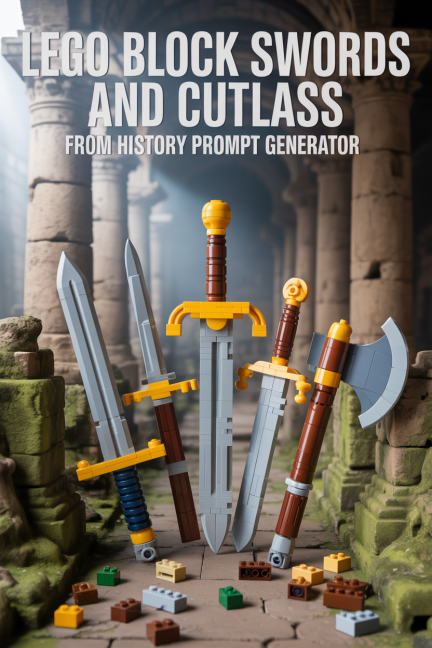
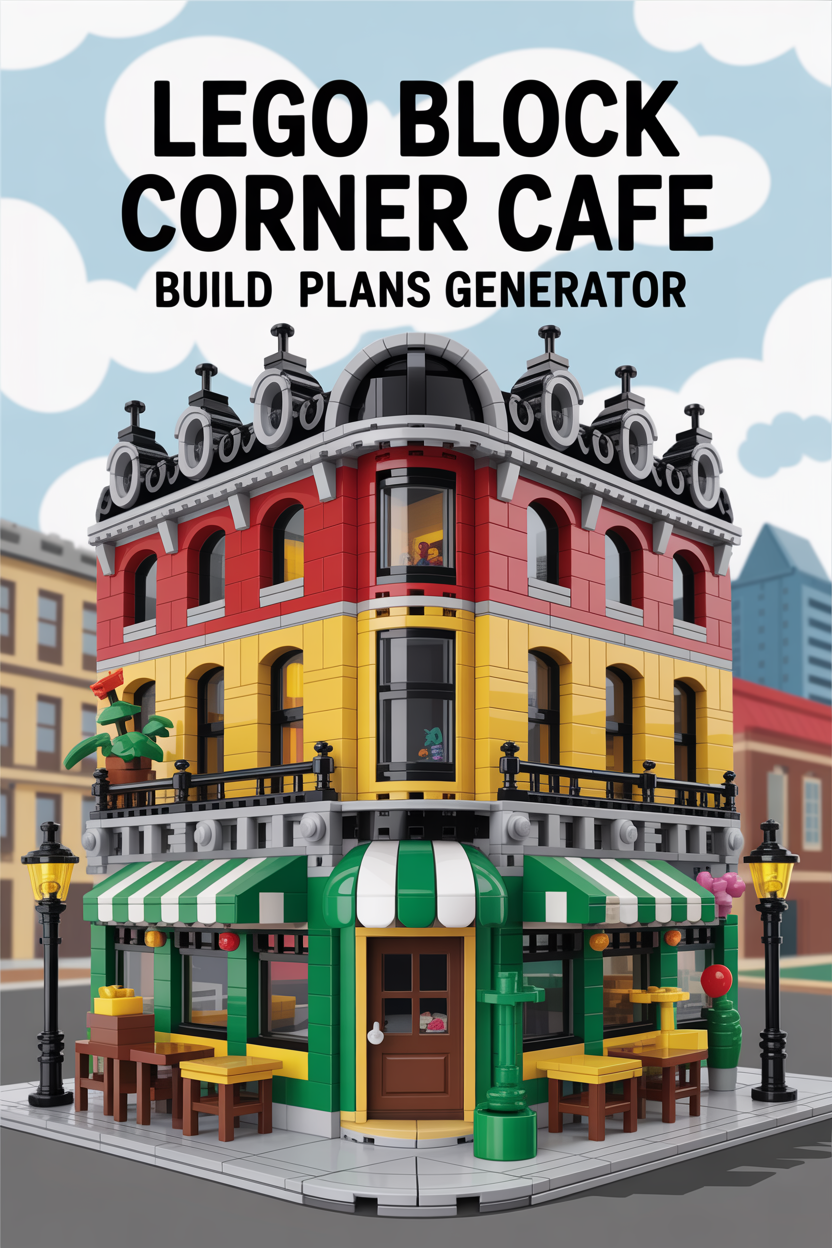
Find the right TacoCat LEGO-style build guide page without digging through a plain image wall. This redesigned gallery uses every thumbnail from the original gallery, keeps each image linked to its matching page, and sorts the collection by project use and era.
Use the filters for a real visitor problem: “I know the type of build I want, but I do not know which TacoCat page starts it.”
All Build Pages Arranged by Use and Era
Titles only on the cards, with no-crop thumbnails and direct page links.





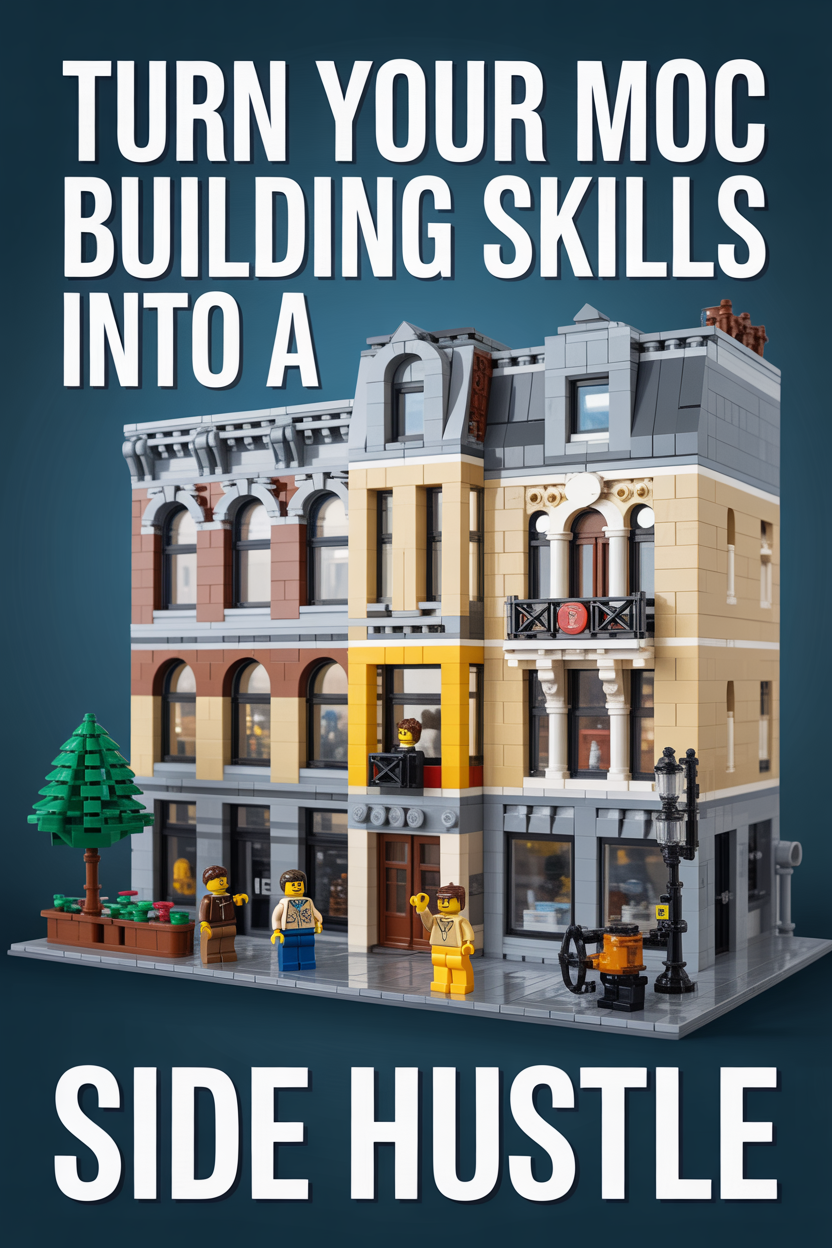






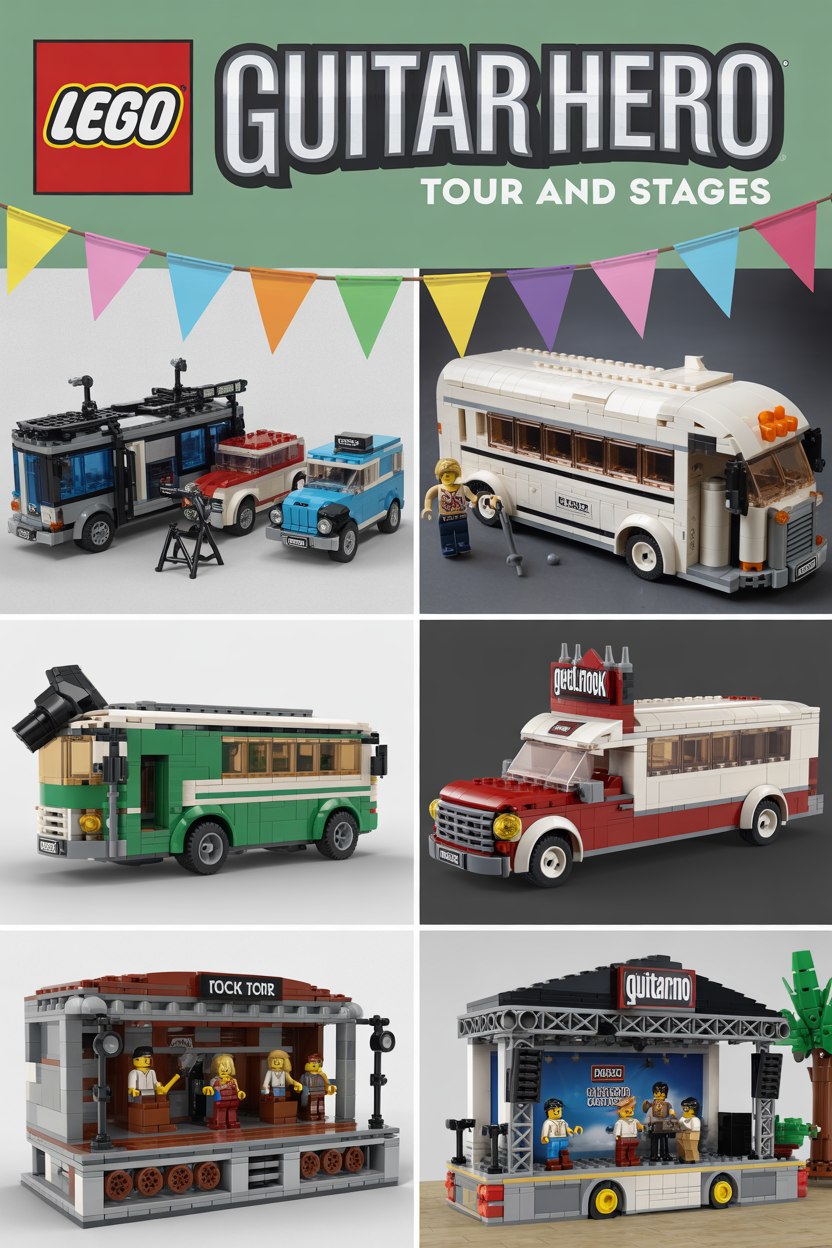


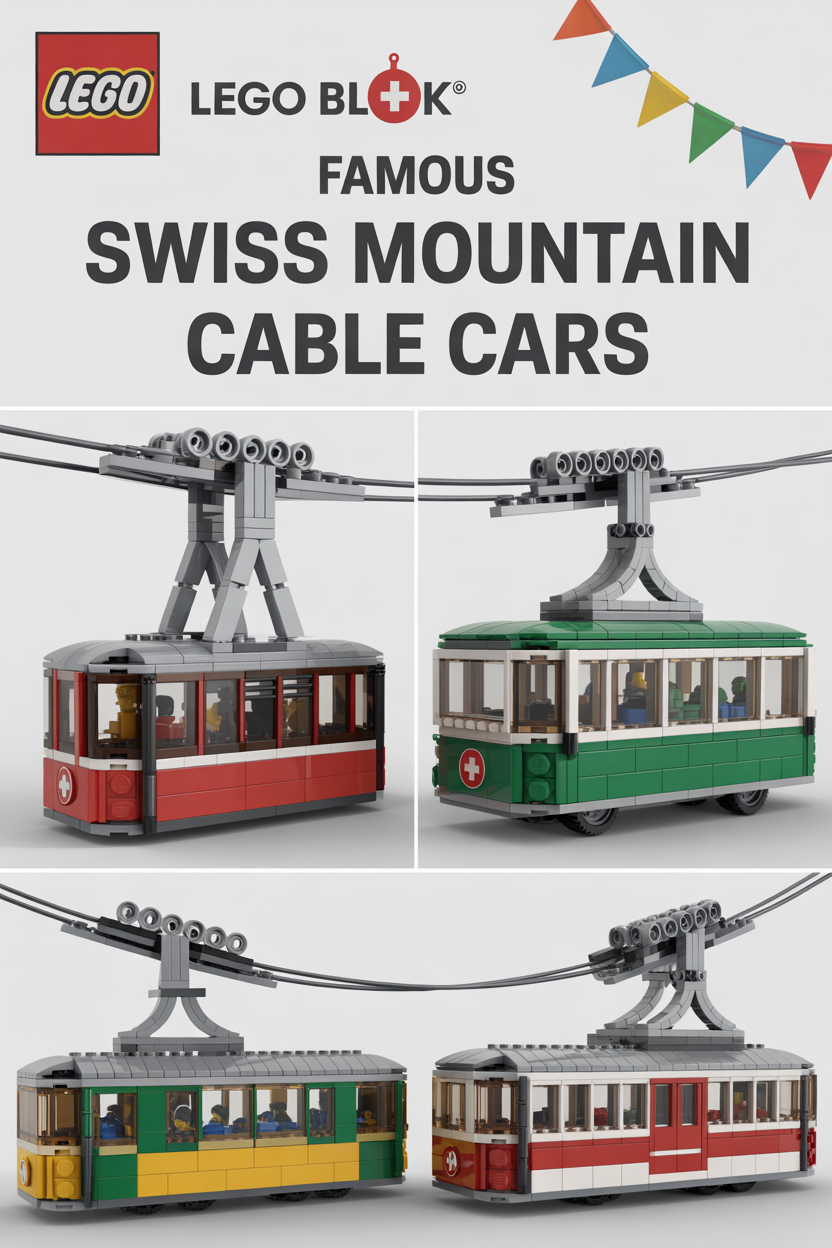
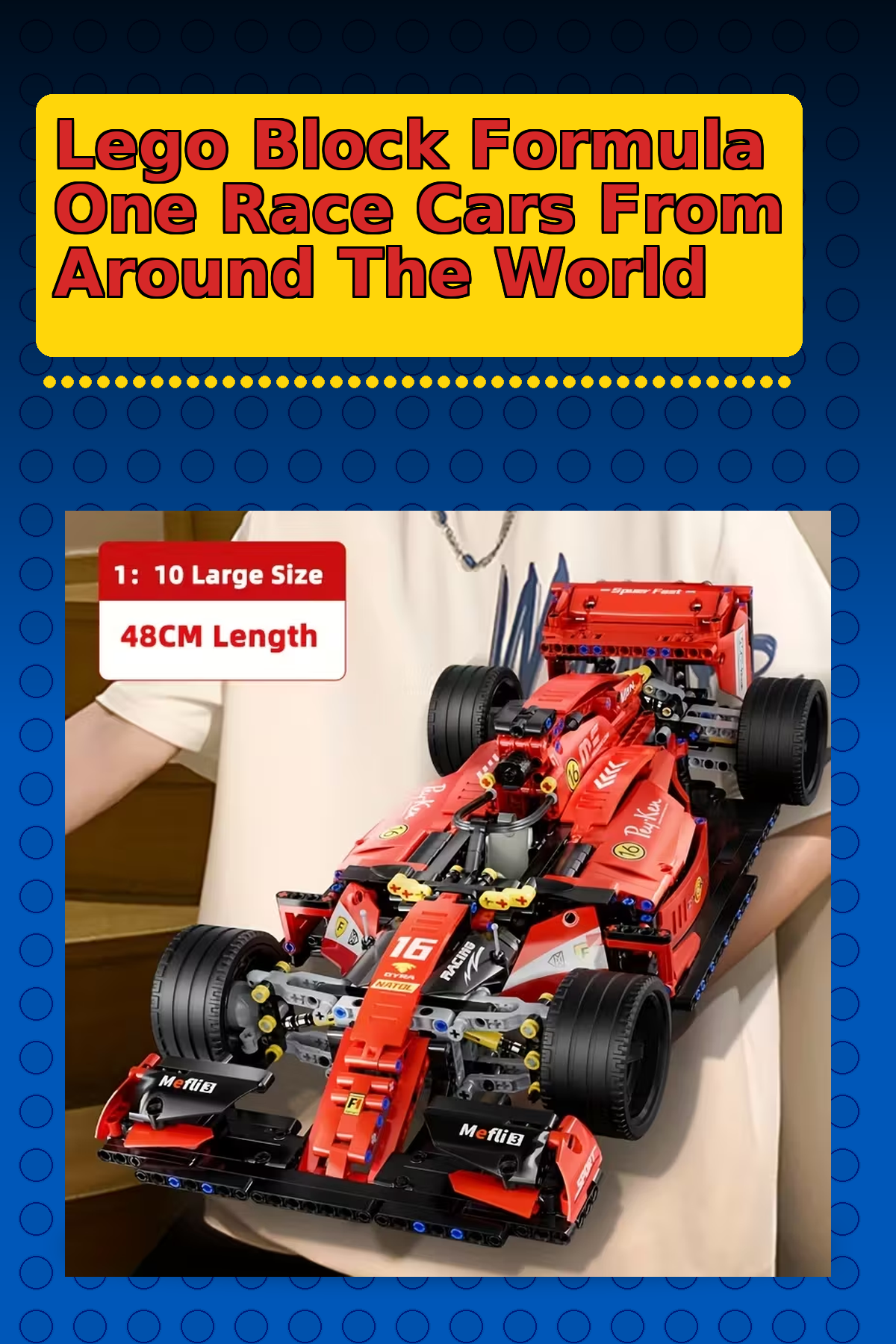

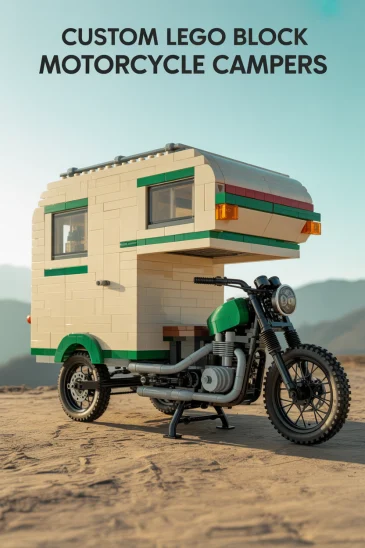
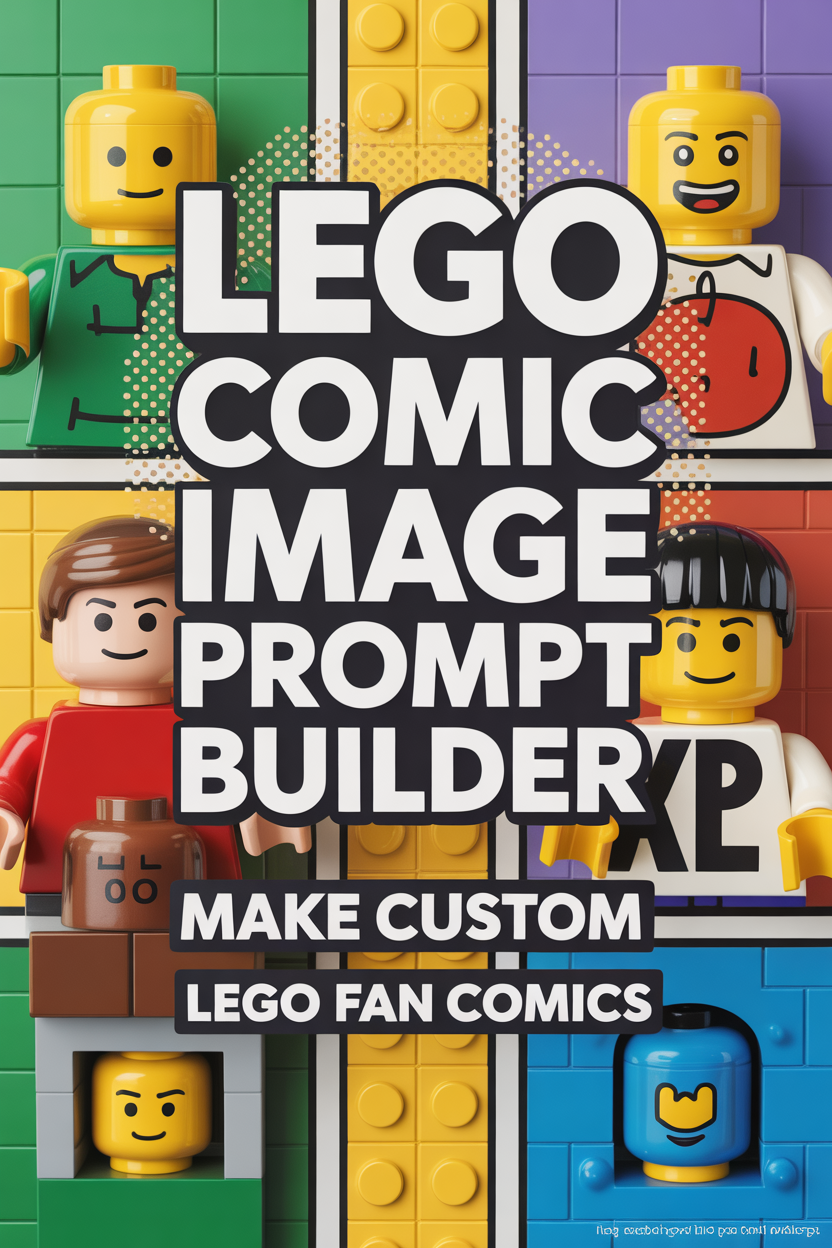

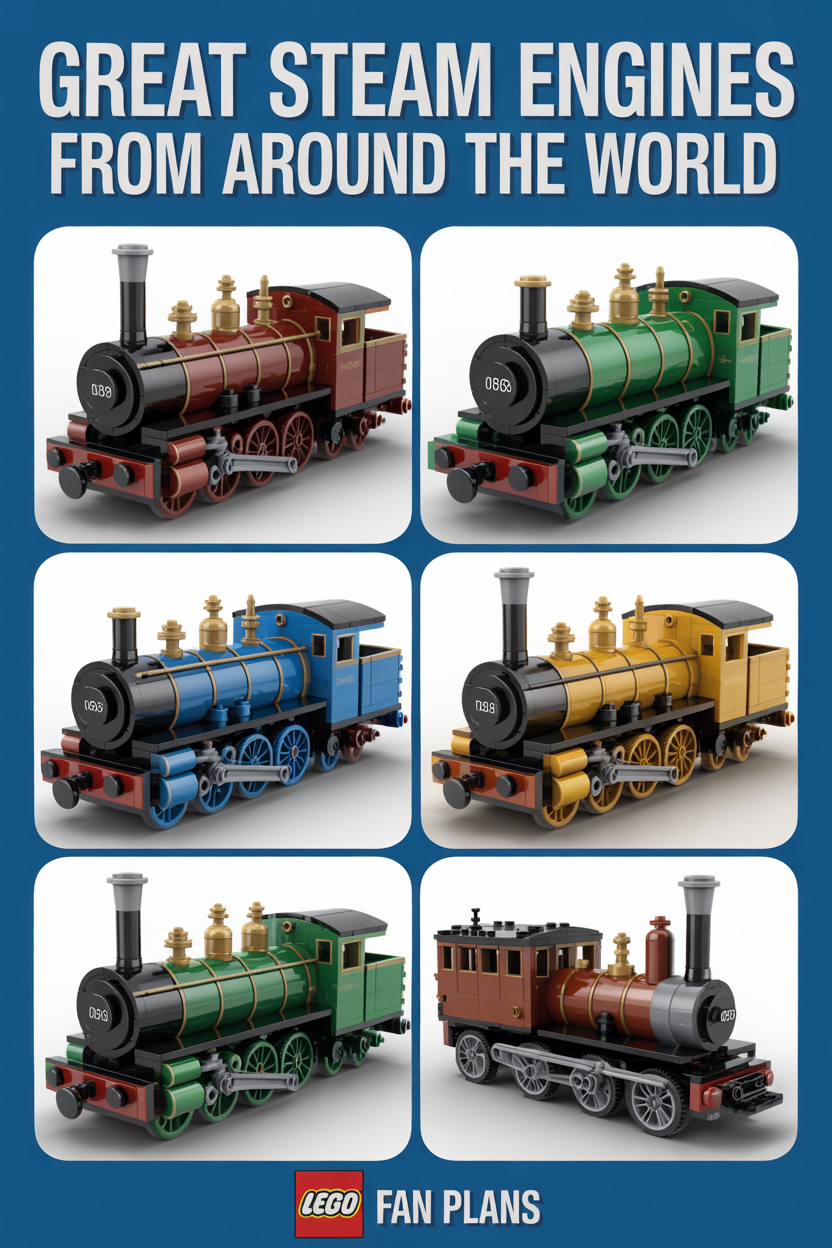

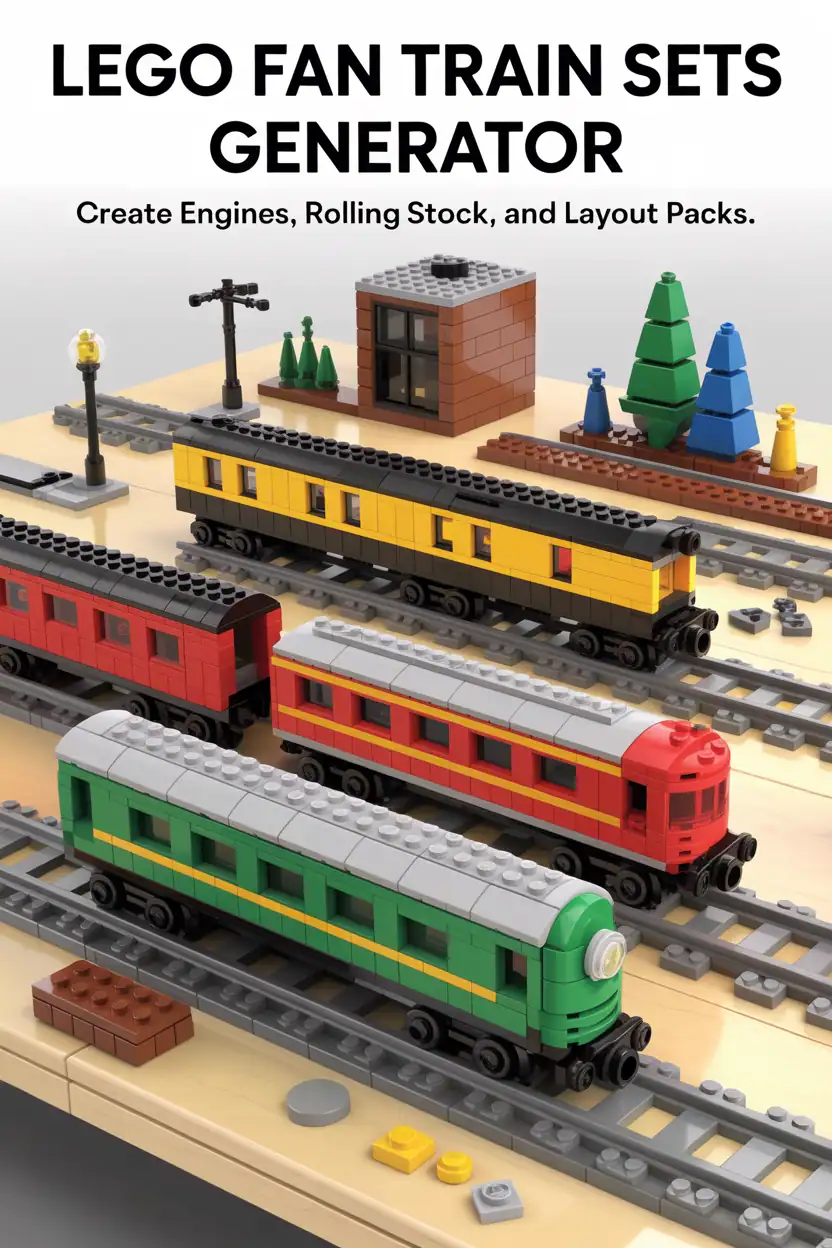






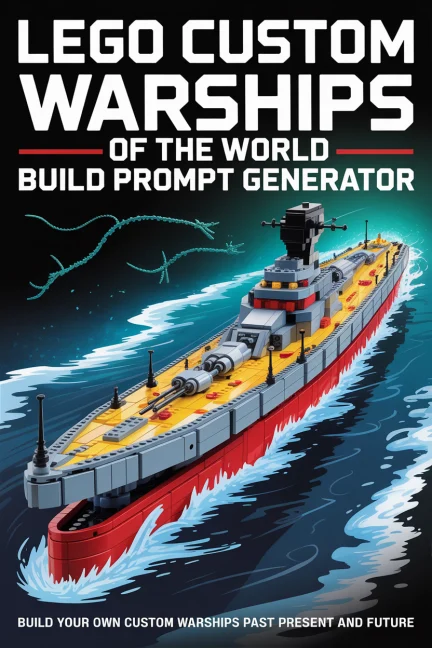


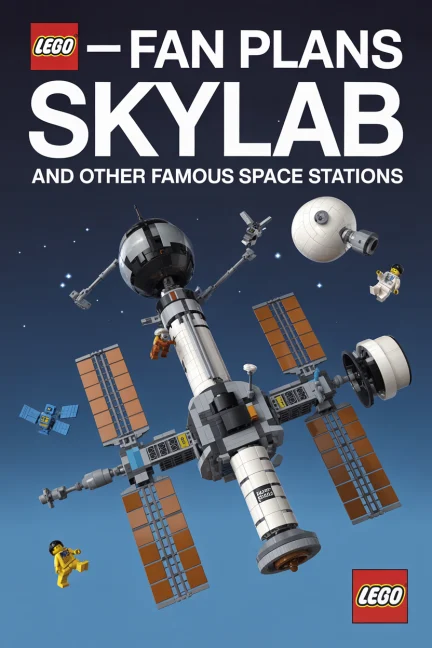
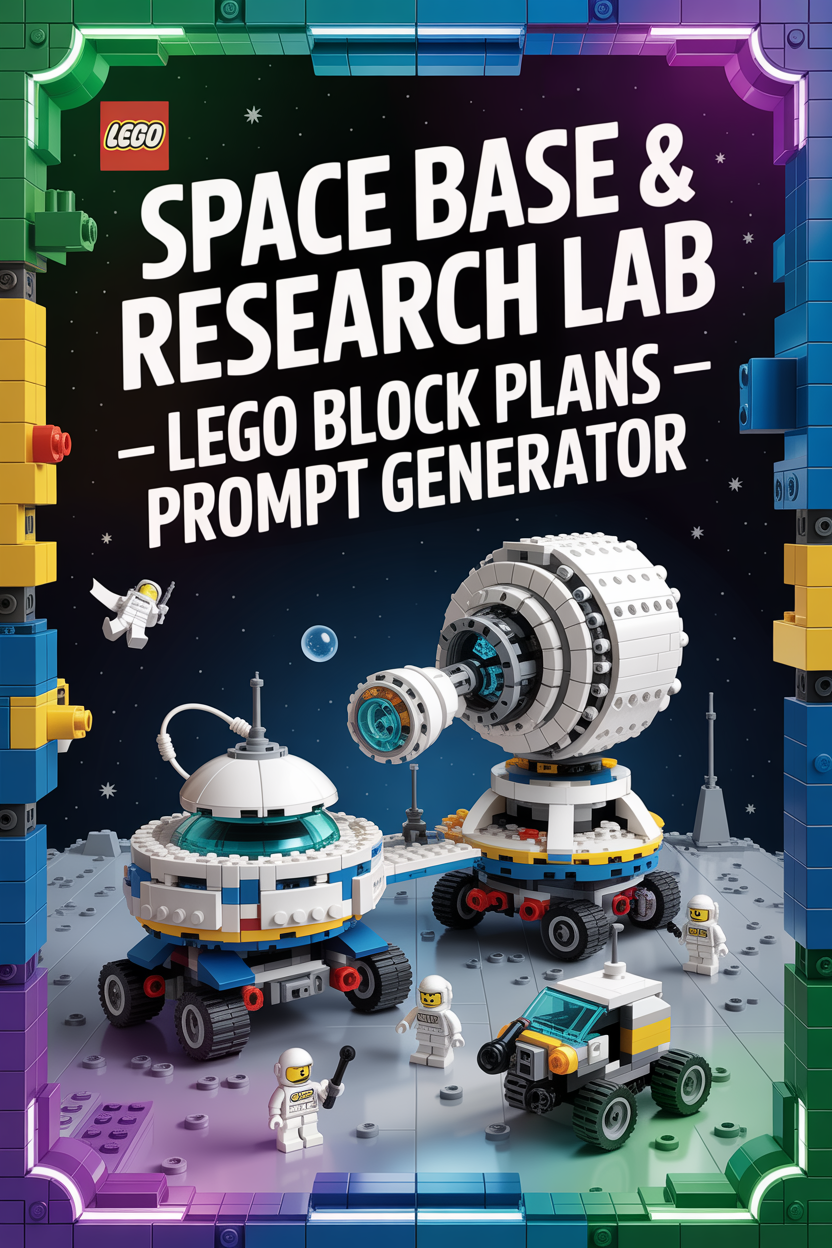


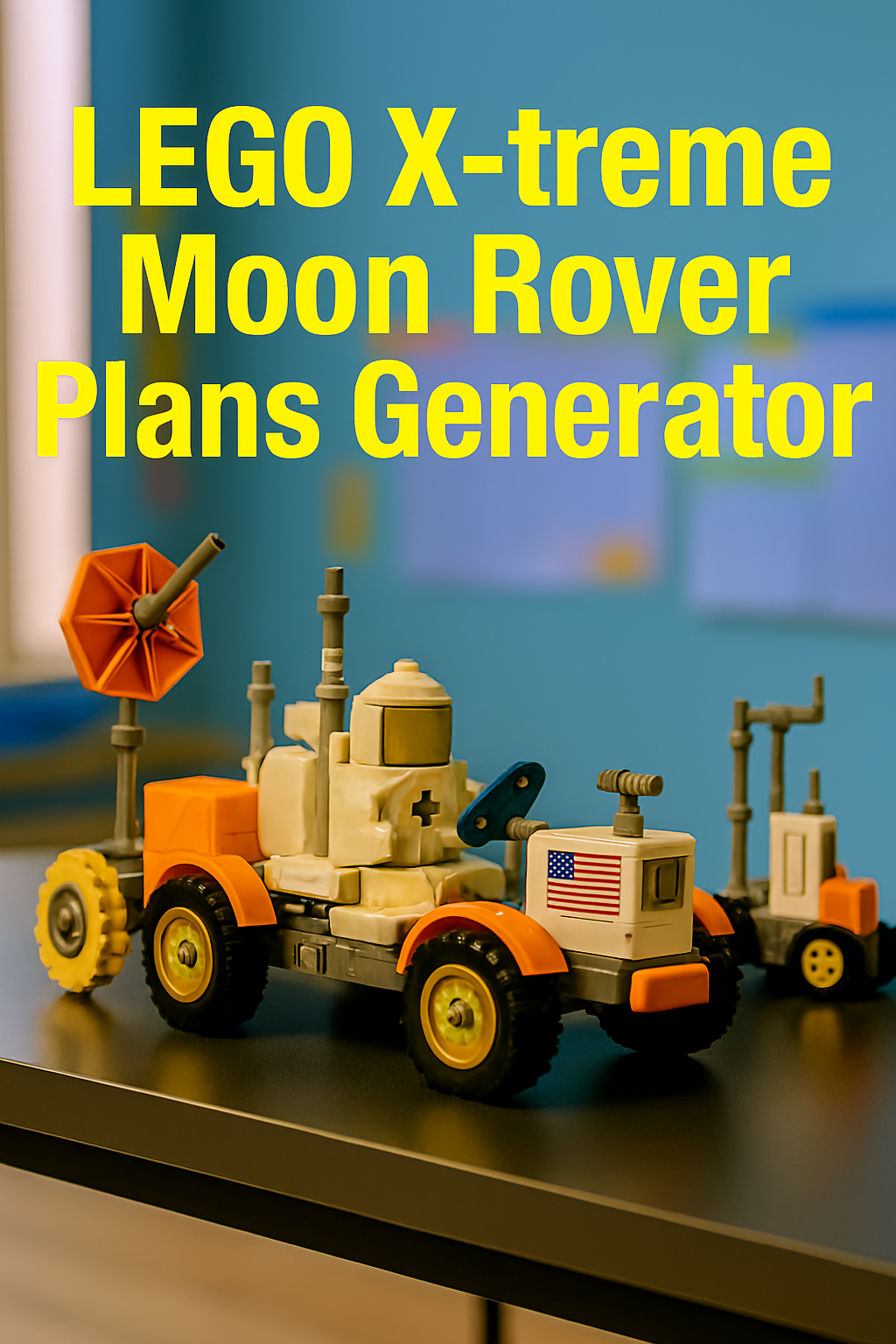
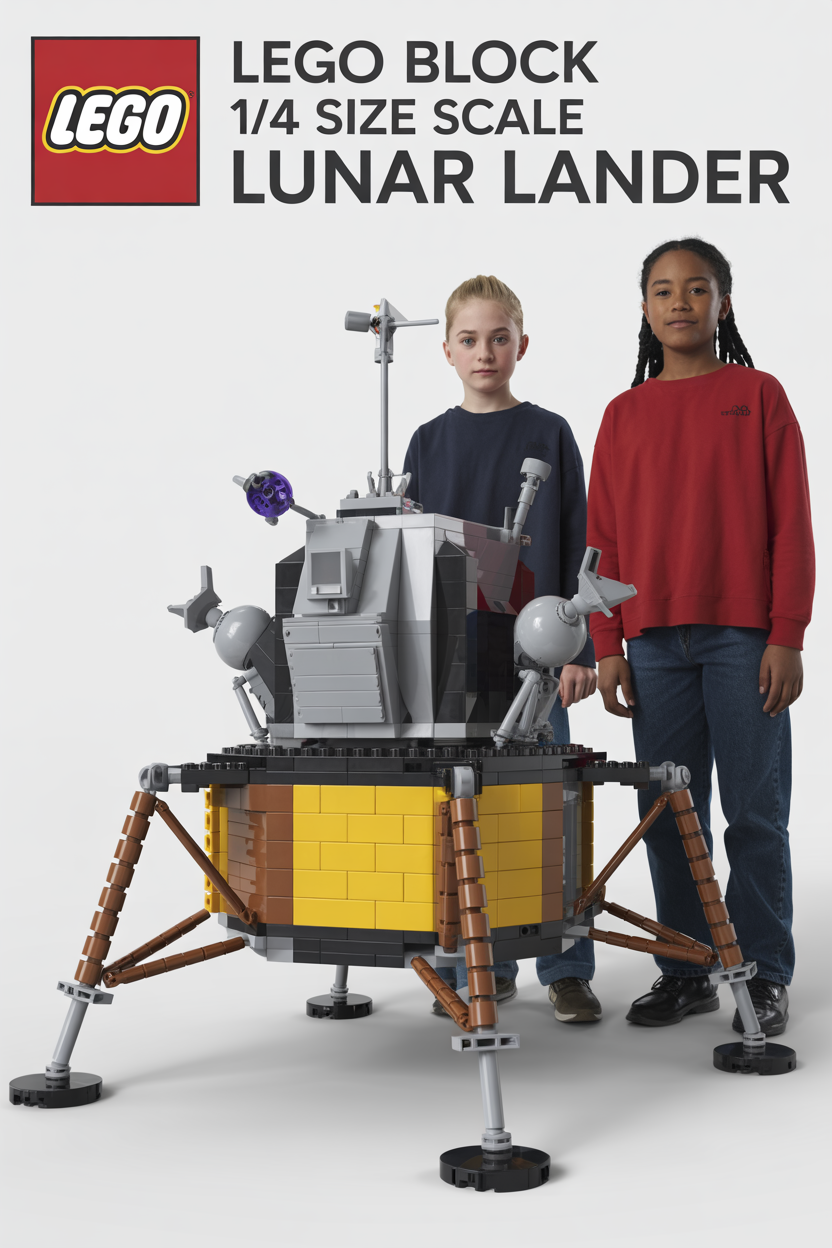
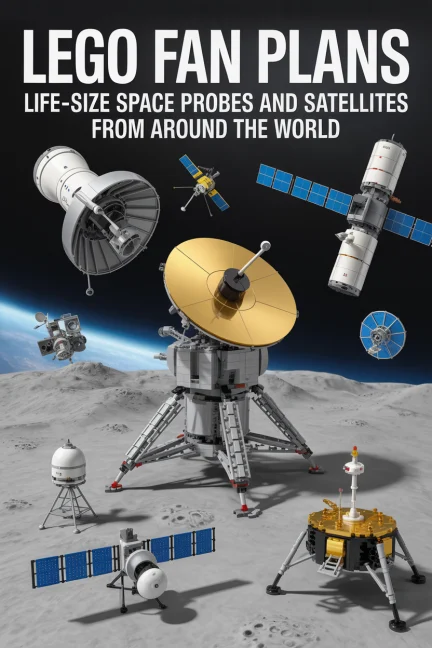
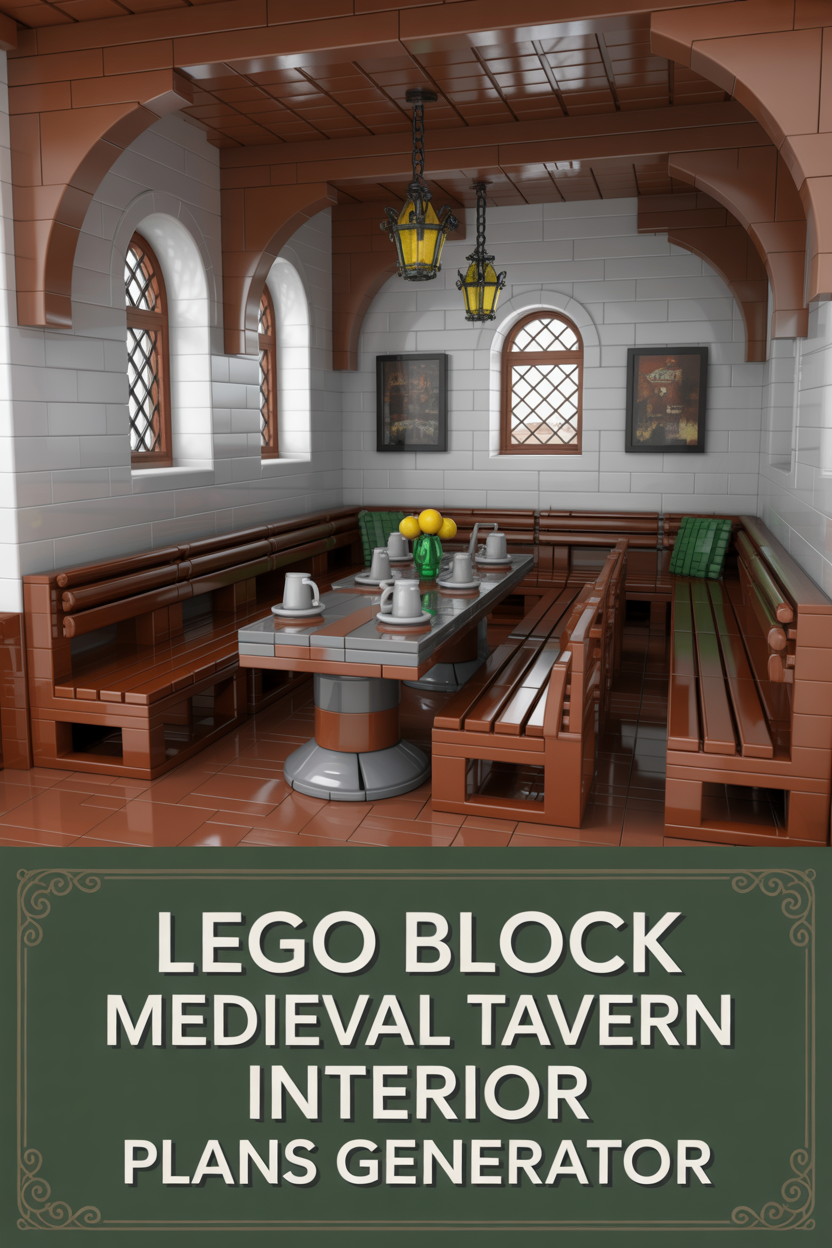
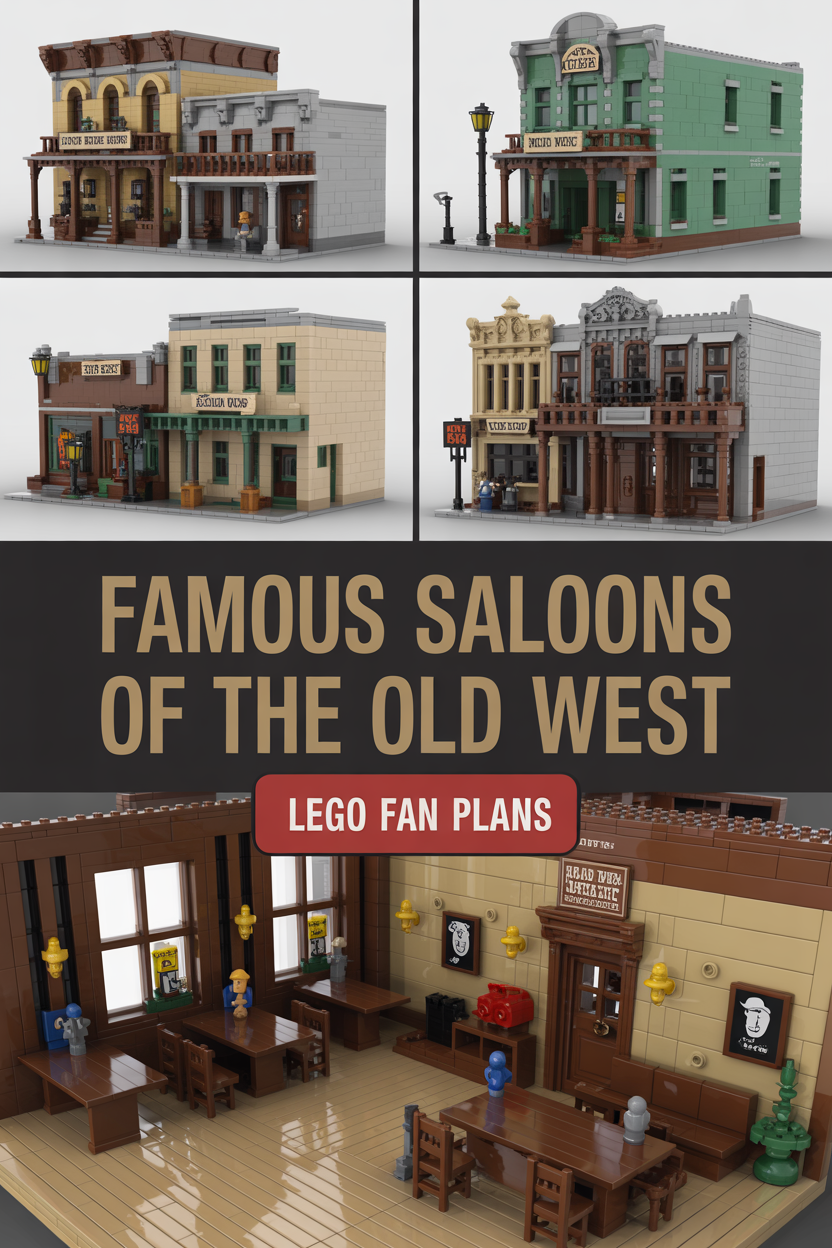

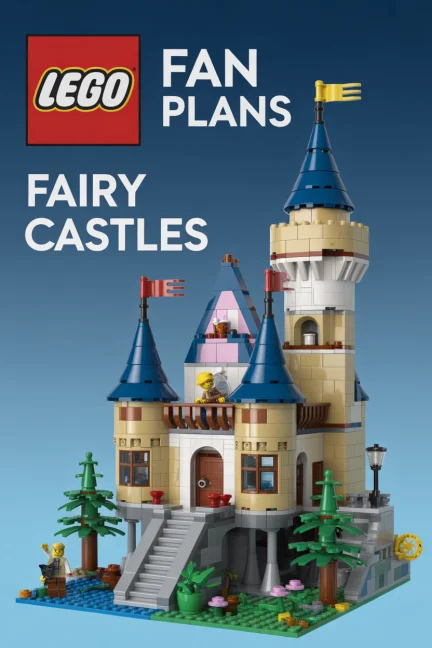
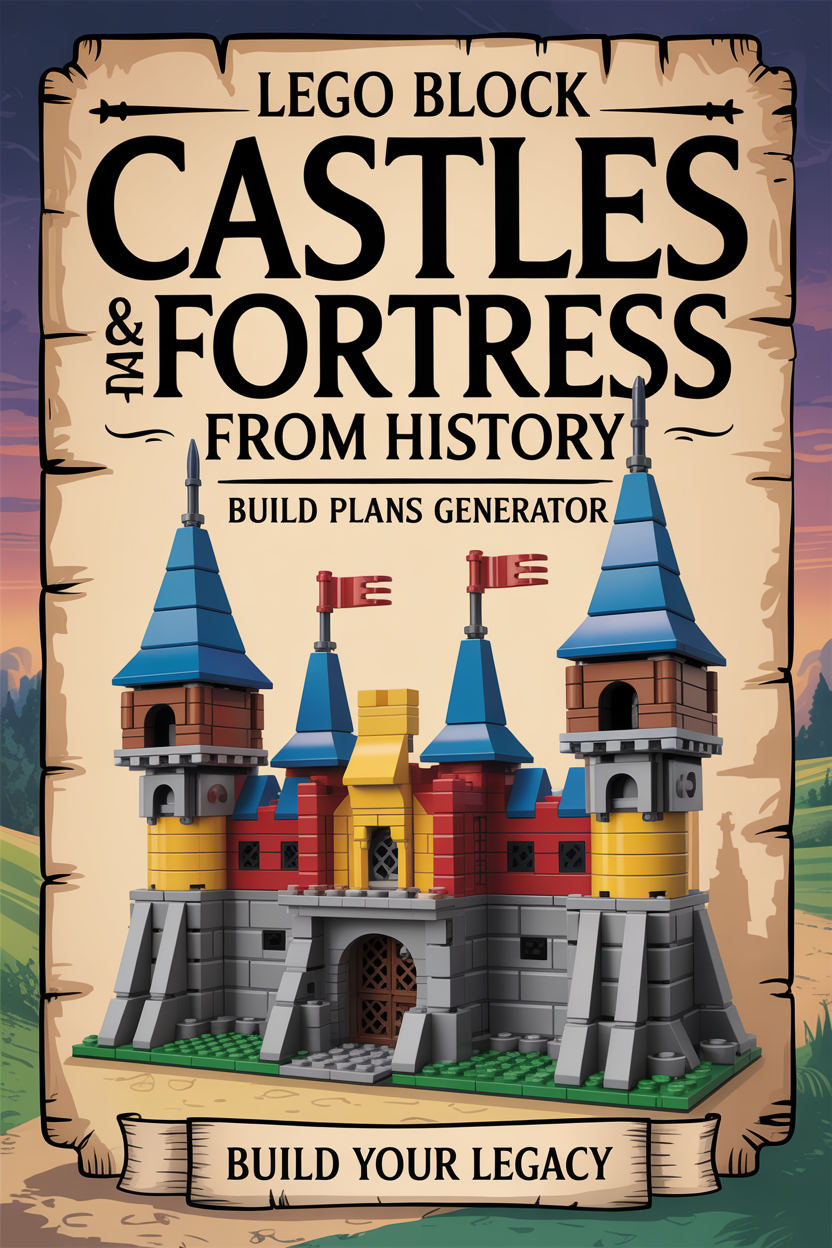
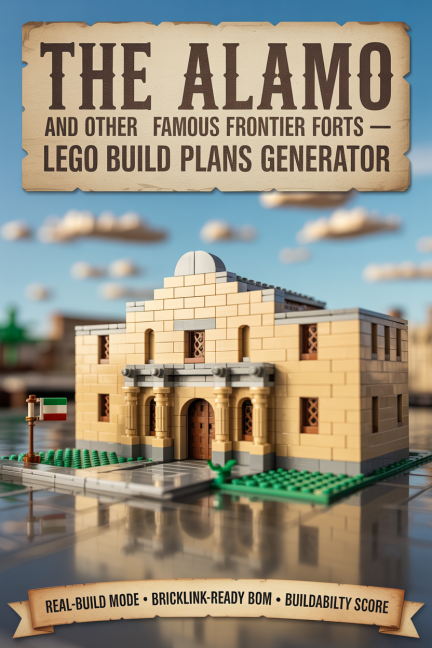




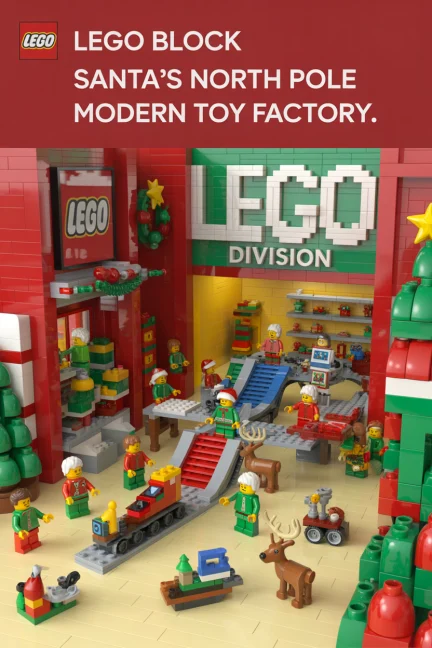
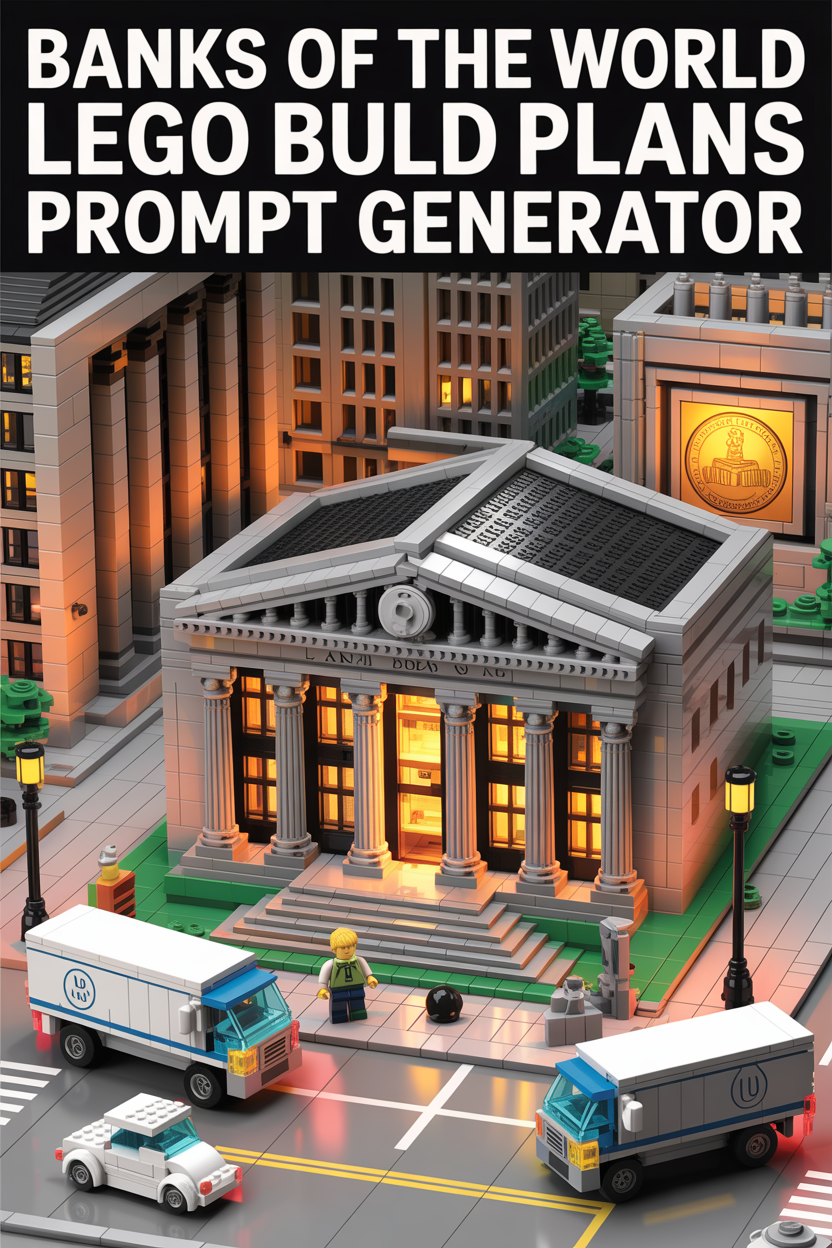
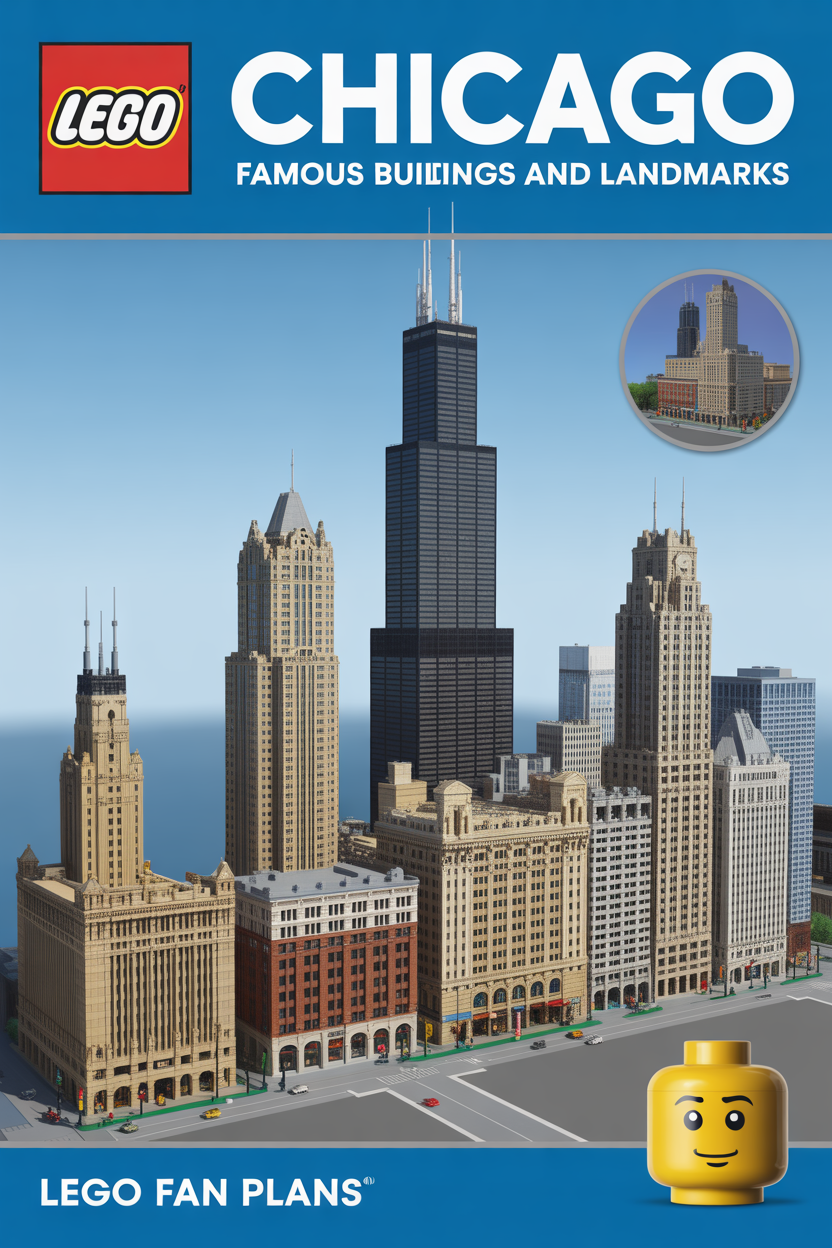
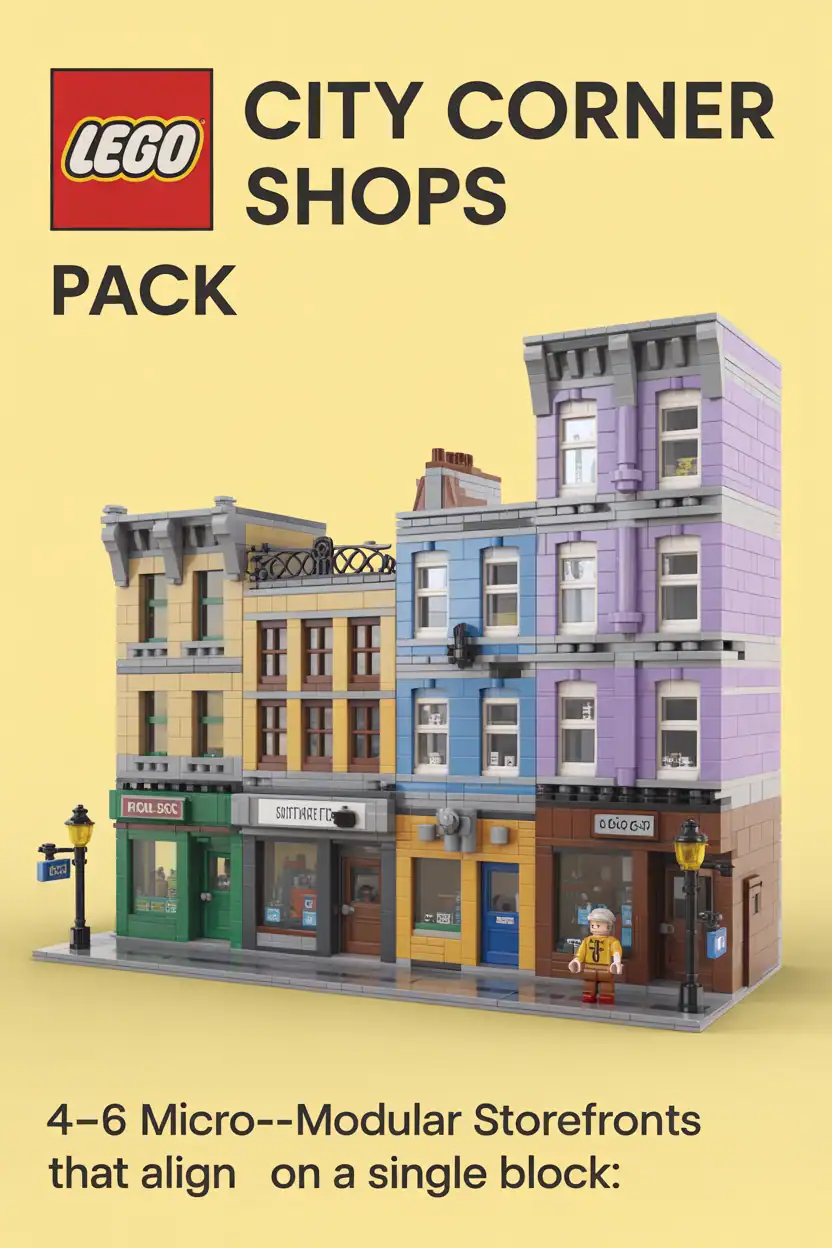

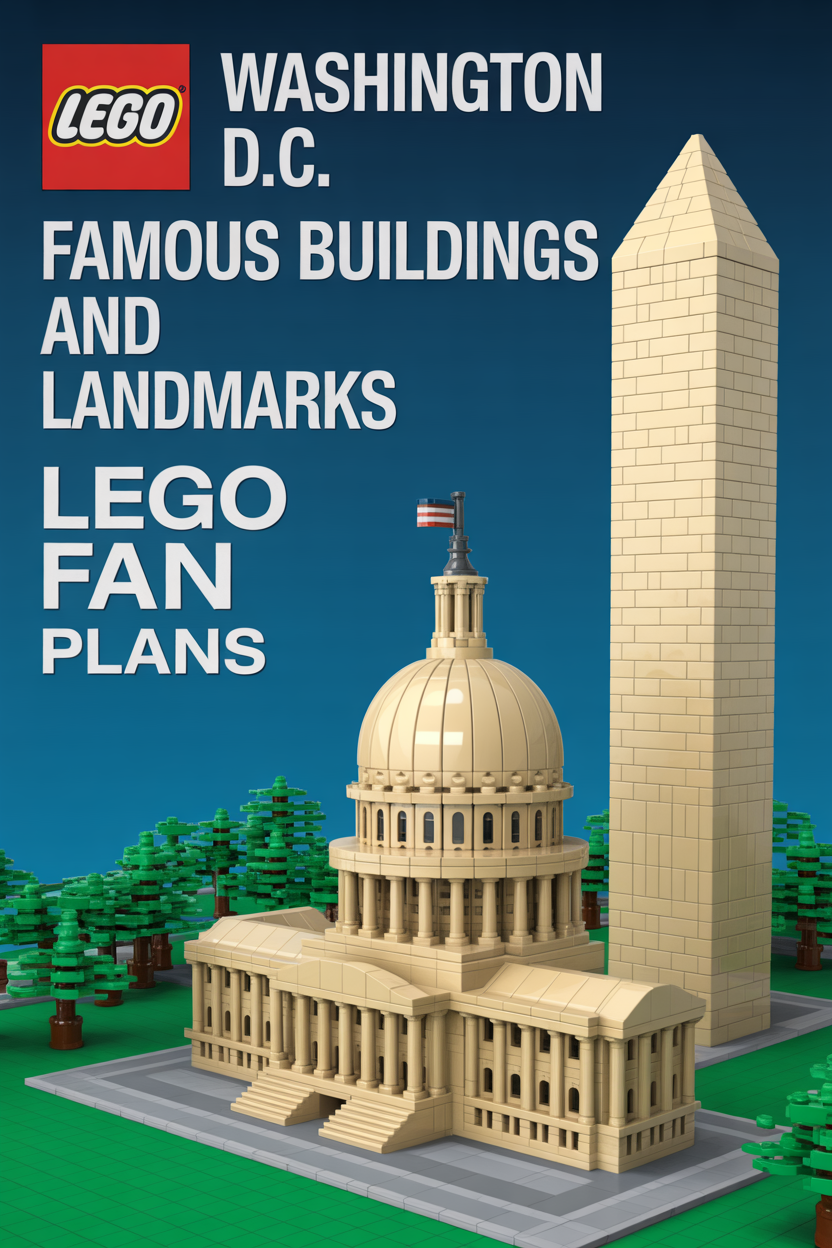
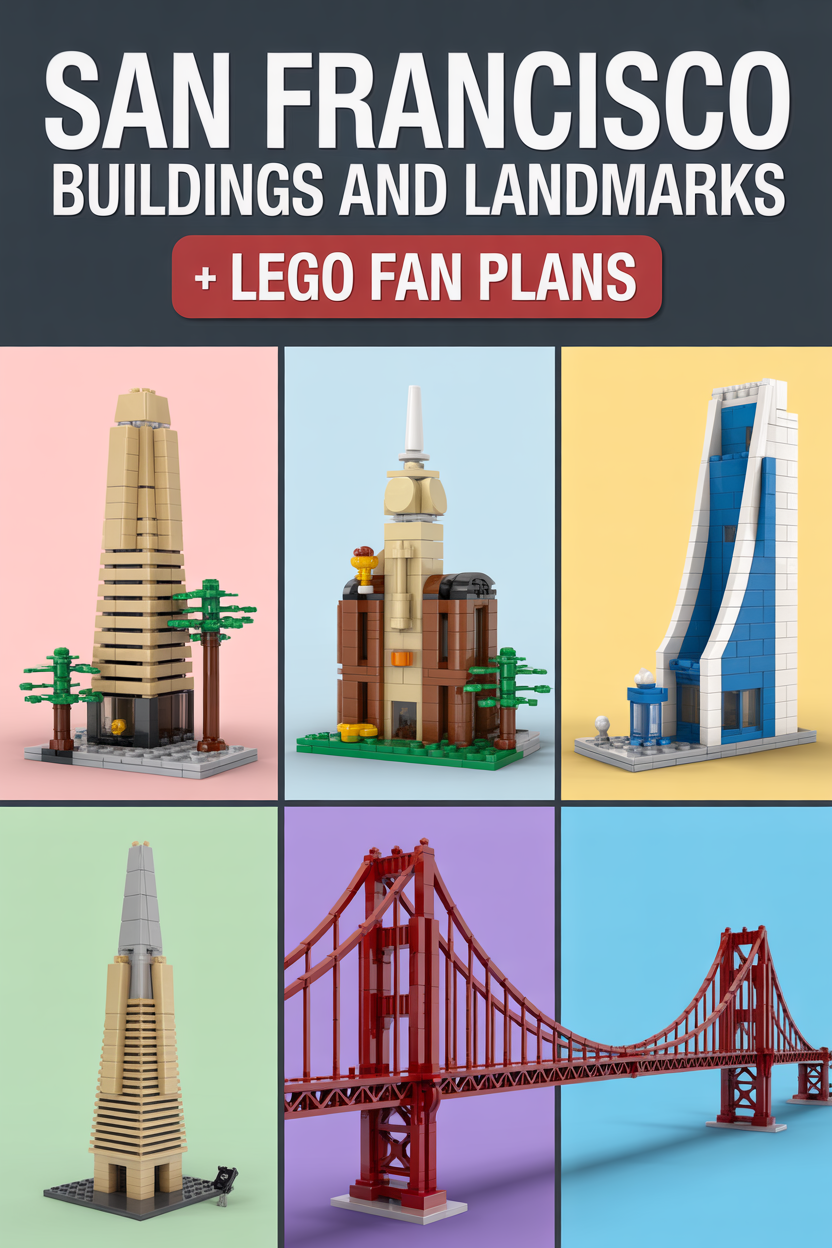
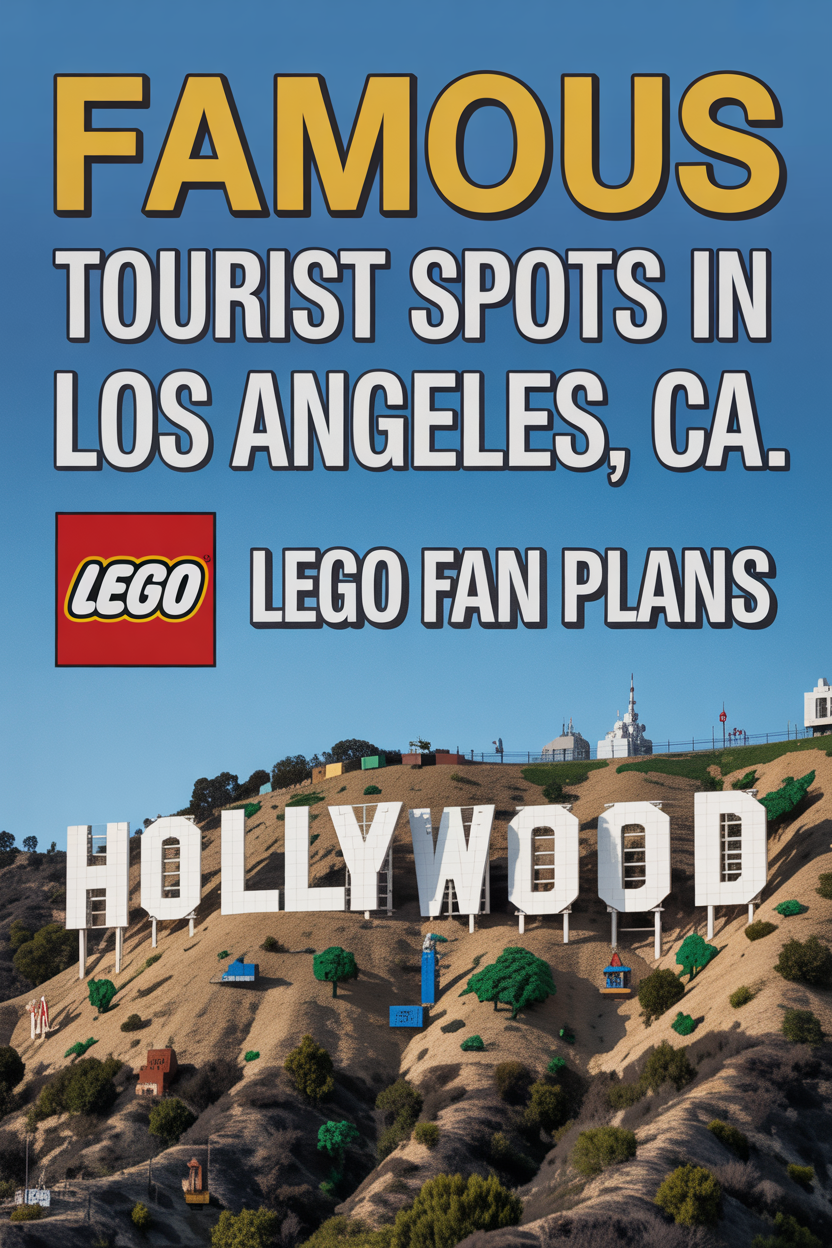

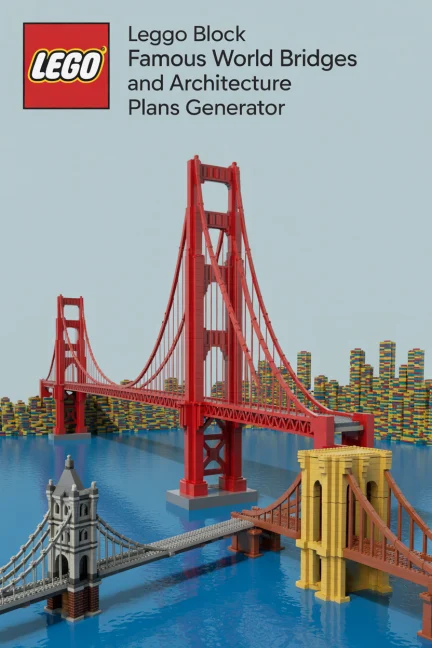




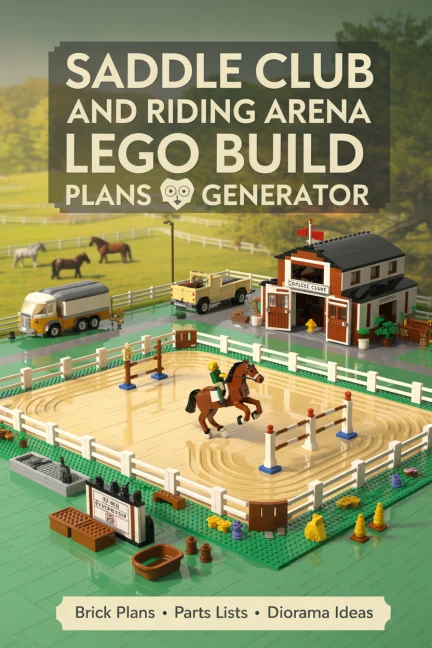


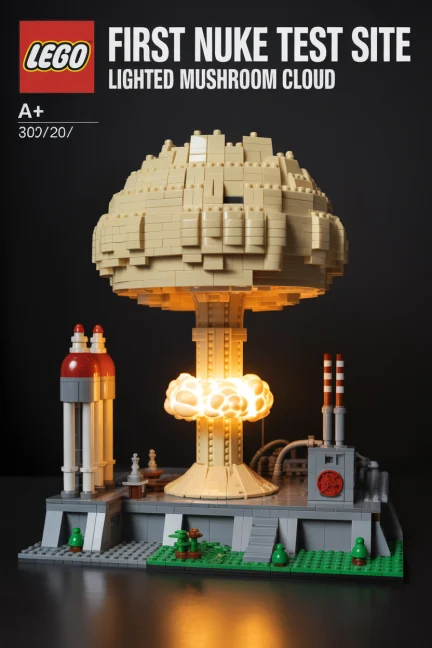

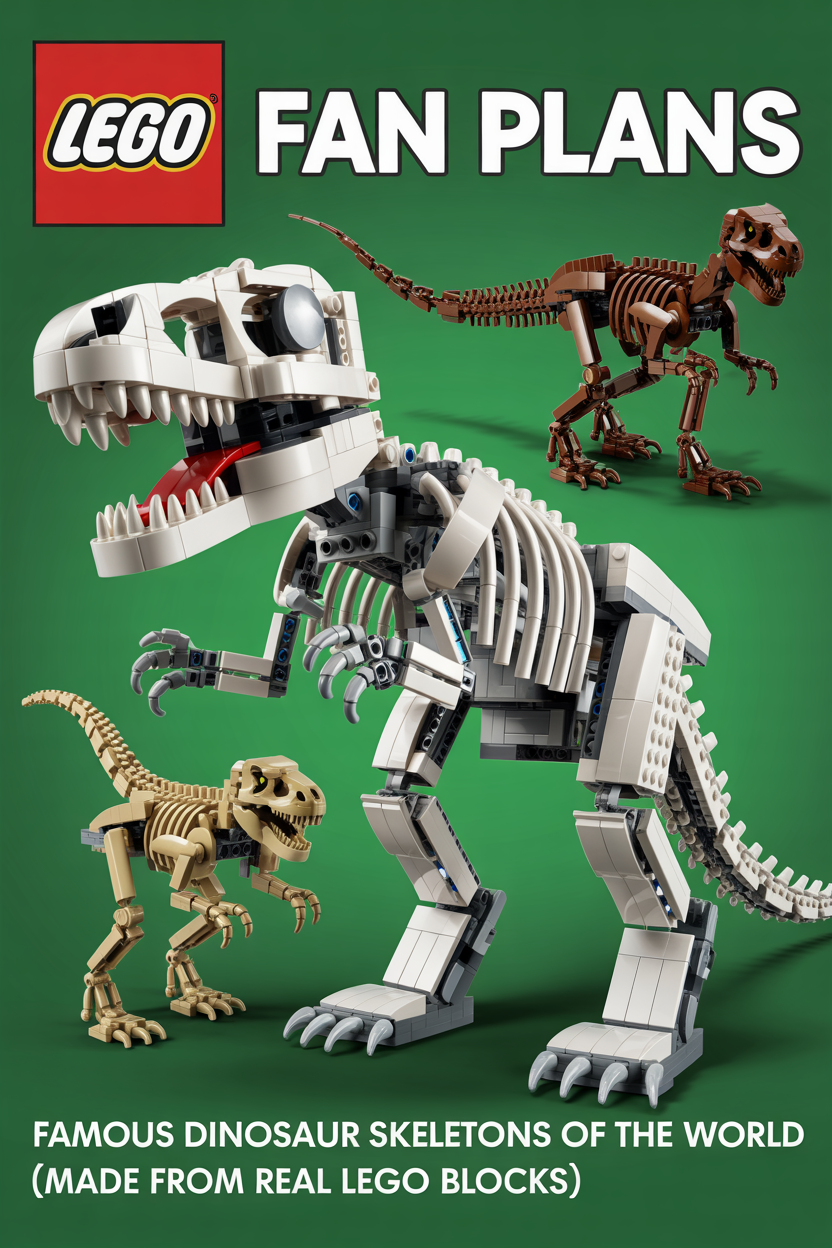
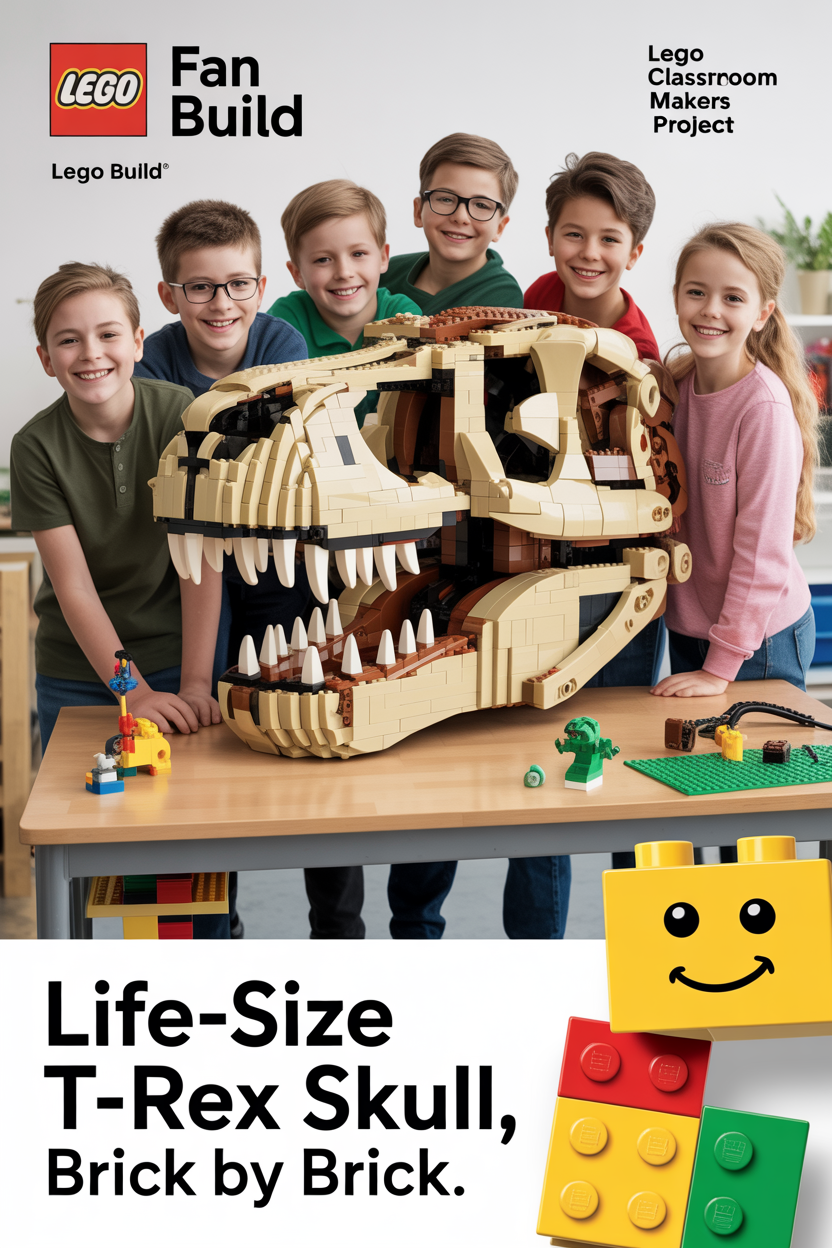
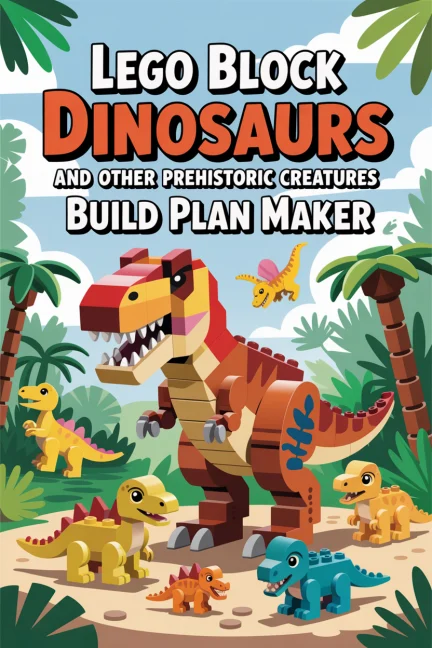

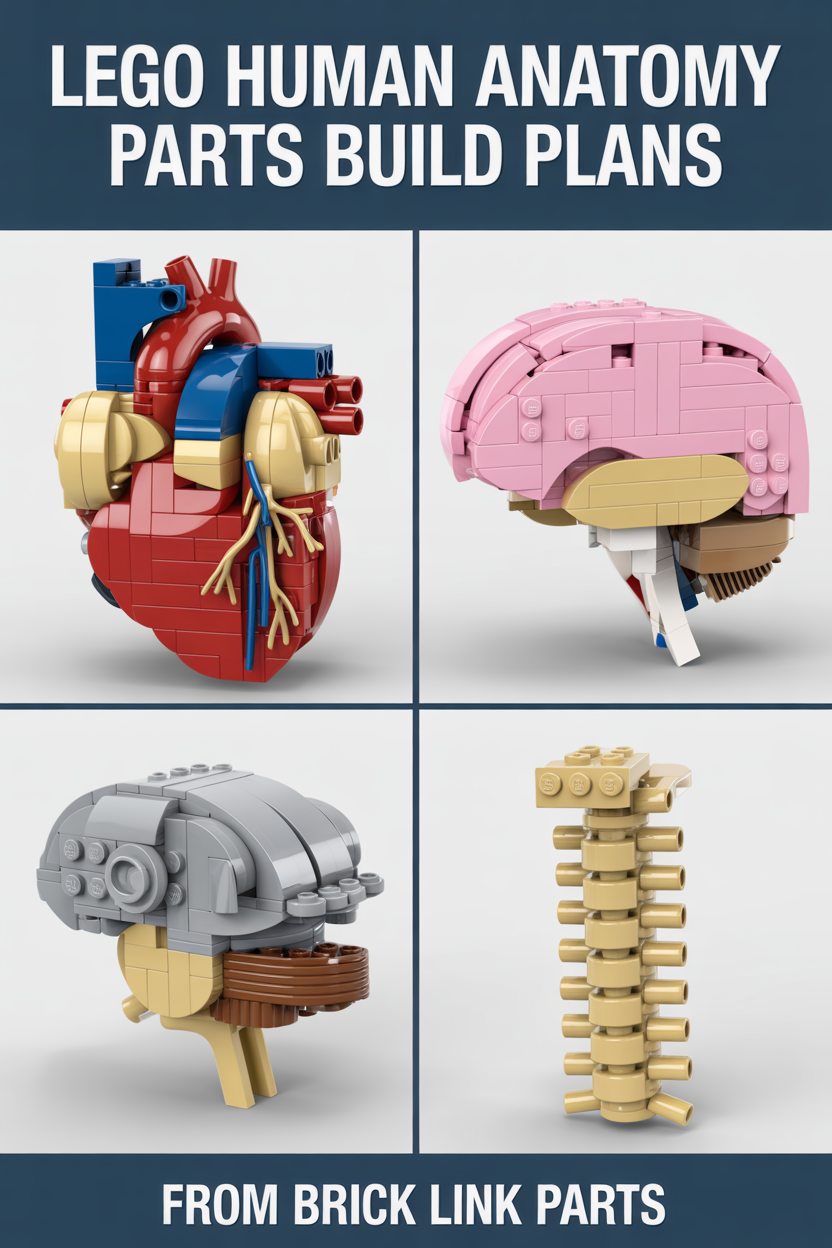

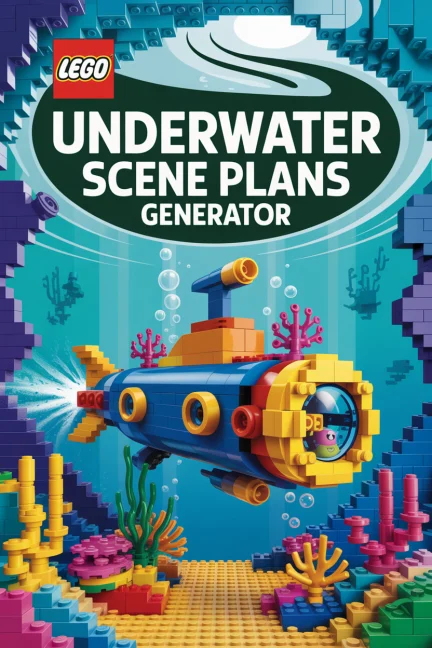
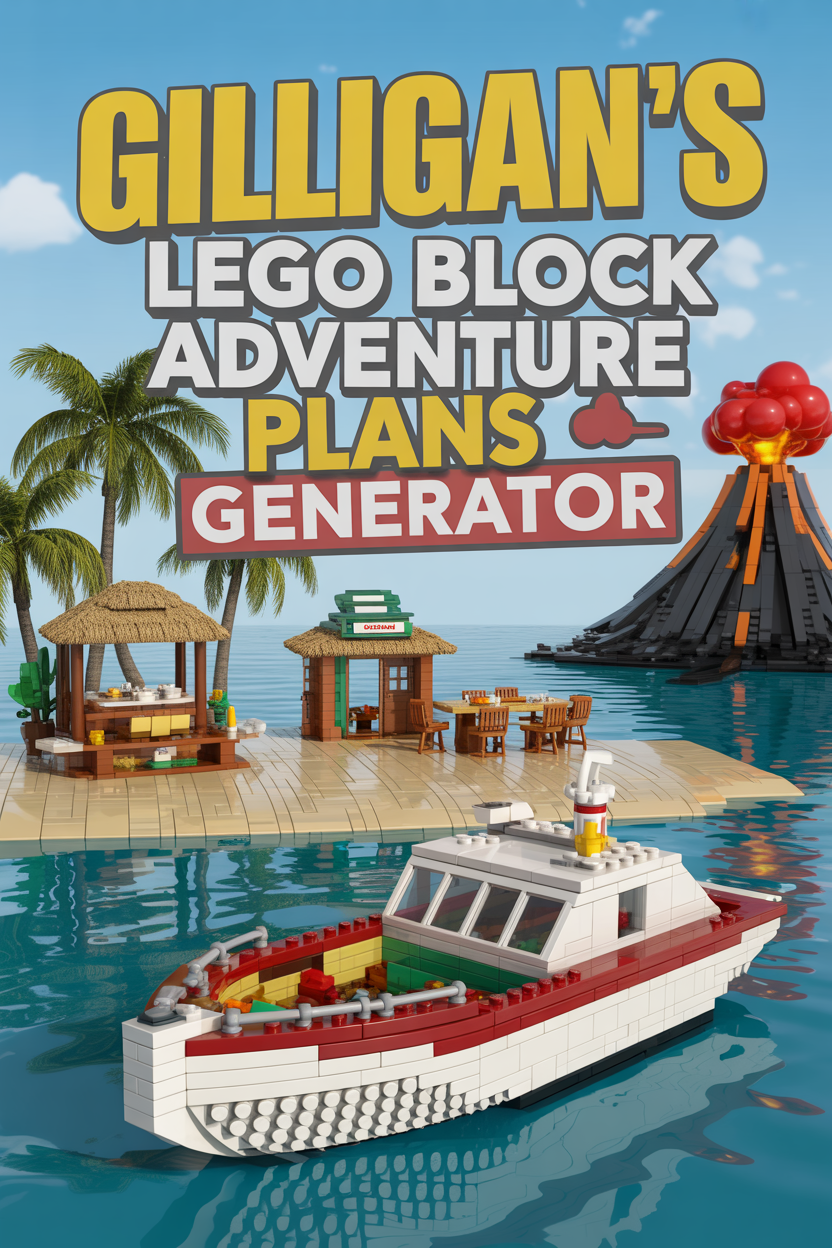

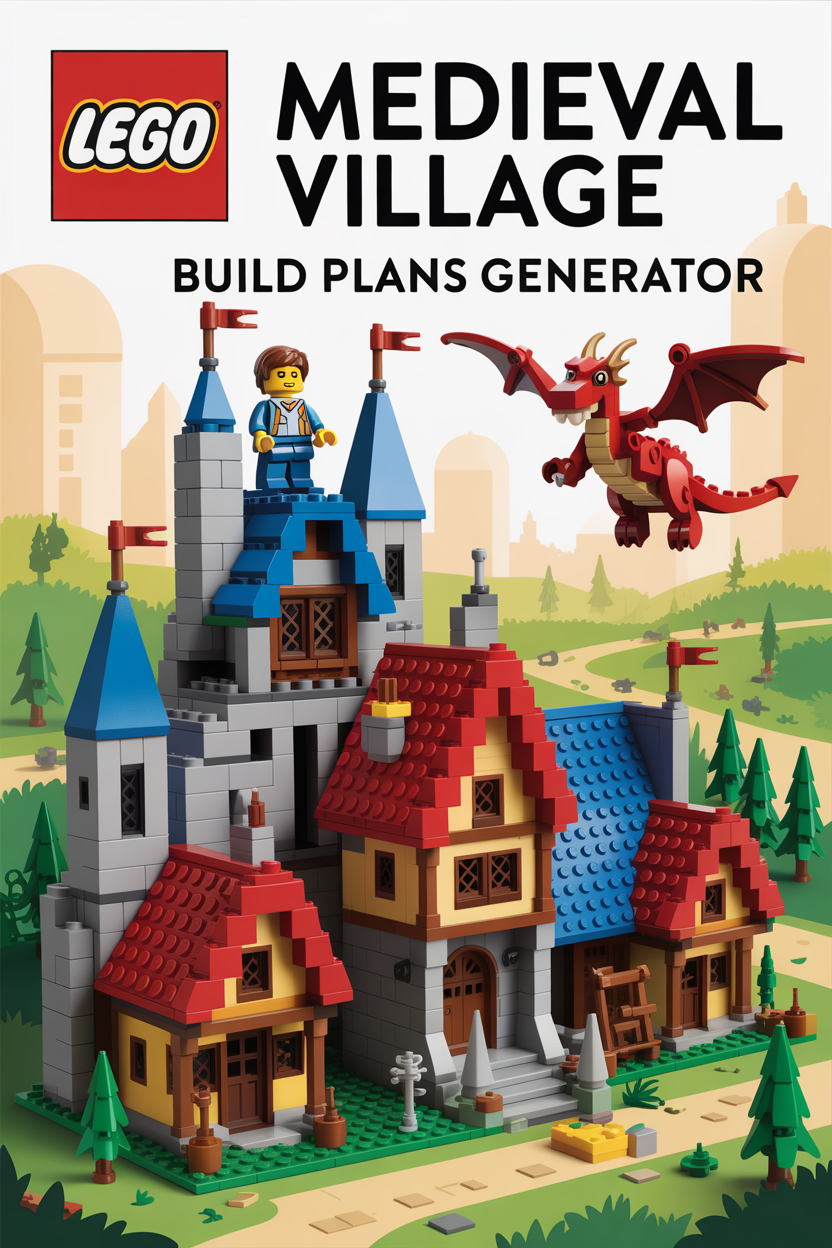













How to Use This LEGO Build Guide Gallery
This page is not a thin keyword swap. It solves a real browsing problem for TacoCat visitors. You may know you want a train, landmark, spaceship, historic scene, or fantasy build, but the best starting page can be hard to spot in a large gallery.
That is why this version uses form fields, image links, title-only cards, and a recommendation box. The page helps visitors scan faster, choose a build direction, and move to the next useful TacoCat page.
Step 1: Start with the use filter
Use the project use dropdown first. Choose vehicles, trains, ships, space, landmarks, history, nature, fantasy, or builder help. This narrows the gallery by what the visitor wants to build, not just by a random page order.
Step 2: Pick the era or year group
The era field groups pages into ancient, historic, classic 1900s, modern, future, or evergreen topics. This helps visitors who want a vintage machine, a modern aircraft, a frontier landmark, or a space build.
Step 3: Use the search box for exact topics
Type a topic such as Titanic, Alamo, Moon Rover, Steam Engine, Skylab, Horten, or Castle. The page filters card titles and page topics instantly. Then the image and button both open the matching TacoCat page.
Step 4: Follow a useful internal path
After opening a card, use the related links below to keep moving. This helps visitors understand TacoCat build guides, AI mockups, builder instructions, and the wider generator library instead of hitting a dead end.
What to Do Next
Need the full generator hub?Open the main LEGO generator hub when you want every current TacoCat build tool in one place.
Need help reading outputs?Use the guide page before building so you understand modules, parts lists, validation, and revision notes.
Need proof vs preview clarity?Read the AI image explanation before treating a concept image as build proof.
Support the project
These free gallery and generator pages take time to build, test, rewrite, and keep updated. A small tip helps keep TacoCat tools free and funds more useful build pages.
Support TacoCat Free Generators