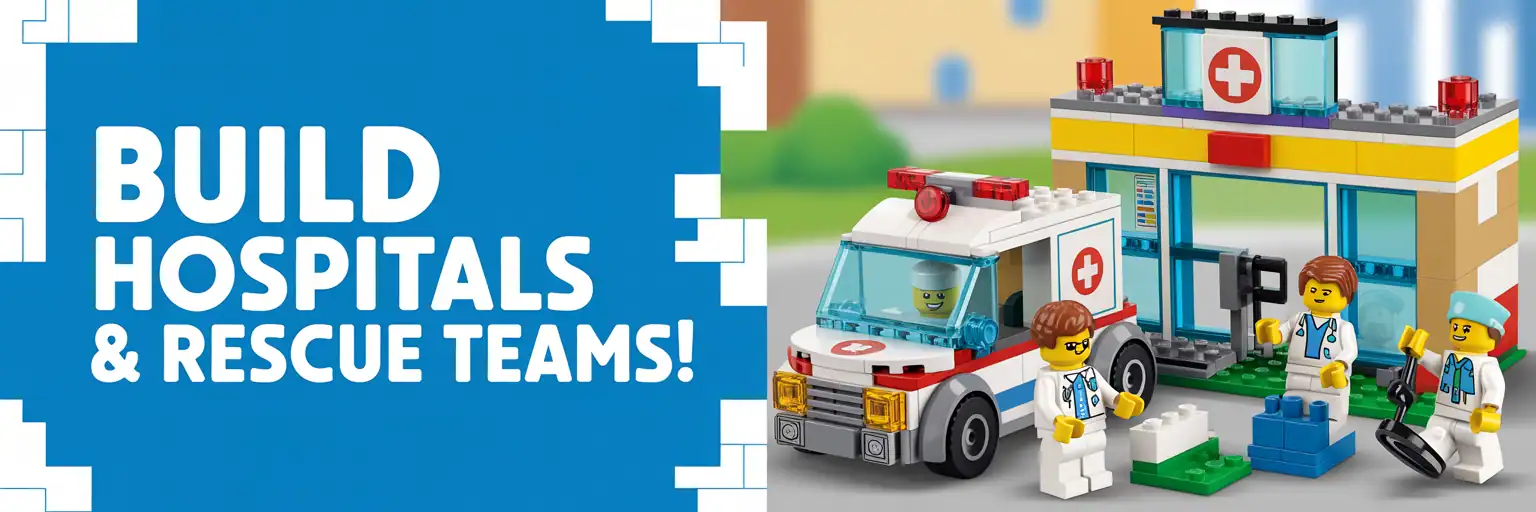
Build Hospitals & Ambulances: Rescue Squads
Create a complete LEGO-style medical rescue build plan for hospitals, ER bays, ambulances, helipads, rescue squads, and modular medical campuses. Pick the scale, footprint, departments, vehicles, and play features, then generate copy-ready build plan outputs on the right.
 Need more builder prompts?
Open the AI Generator Master Pack for more printable prompt tools.
Build Controls
Choose your hospital build details. Then press Generate. The finished output appears in the right column.
Ctrl/Cmd-click to pick more than one.
Level 1 — Build Summary
Level 2 — Parts / BOM Strategy
Level 3 — Step-by-Step Build Plan
Level 4 — Sell-Ready Product Pack
Support the project
These free LEGO-style prompt tools take time to build, test, and improve. Support helps keep the tools free and funds more build generators.
How to Design LEGO-Style Hospitals, Ambulances, and Rescue Squad Builds
A hospital and ambulance LEGO-style build works best when it has a clear rescue story. Start with the patient path. Then design the building around the emergency entrance, triage desk, treatment room, ambulance bay, and visible medical signage. This generator helps builders create a structured hospital build plan instead of a loose idea.
Why hospital build plans need stronger structure
Medical buildings are harder than basic houses because they need flow. A rescue scene needs space for vehicles, minifigures, stretchers, doors, and equipment. Therefore, a good LEGO hospital build plan should include wide access points, removable roofs, clear room modules, and sturdy wall cores.
Searchers looking for LEGO hospital ideas often want more than a picture. They want a buildable hospital MOC prompt, ambulance build instructions, ER room layout ideas, rescue squad station concepts, and a parts list strategy. This page combines those needs into one planning tool.
Best long-tail build ideas for this generator
- LEGO hospital MOC prompt with emergency room and ambulance bay.
- LEGO city ambulance station build plan for rescue squads.
- Modular hospital building instructions with lift-off floors.
- Children’s hospital LEGO-style playset with bright signage.
- Trauma center build concept with helipad and rescue vehicles.
Build planning tips before you generate
Pick the footprint before choosing details. A 32×32 base works for a compact clinic, while a 64×64 layout fits a campus with a helipad. Next, choose departments that connect naturally. Emergency room, imaging, ICU, pharmacy, and ambulance bay create a believable route.
For ambulance designs, protect play value first. Rear doors, a removable stretcher, simple roof access, and color-coded equipment help the model feel useful. Also, avoid fragile decorative details on areas that children will grab during play.
Parts strategy for medical buildings
Most hospital builds need white, light bluish gray, dark bluish gray, transparent clear, red, blue, and teal parts. Use larger plates for the floor plan, standard bricks for wall cores, tiles for clean hospital surfaces, and brackets for signage. Add printed tiles only when they are easy to replace with plain tiles or stickers.
What makes the output useful
The generator creates four levels. The summary locks the concept. The parts section gives a shopping strategy. The instructions section breaks the build into modules. Finally, the product pack helps turn the idea into a printable plan, listing, or workshop project.
What to do next
Generate the four output boxes, copy the step-by-step plan, and paste it into your favorite AI assistant or design notebook. Then sketch the base footprint before buying parts. For the best result, keep the ambulance bay, ER entrance, and main hallway wide enough for play access.
Smart Related Links for LEGO Builders
These six links are matched to builders who want more LEGO-style build planning, prompt writing, parts strategy, and creative generator tools.