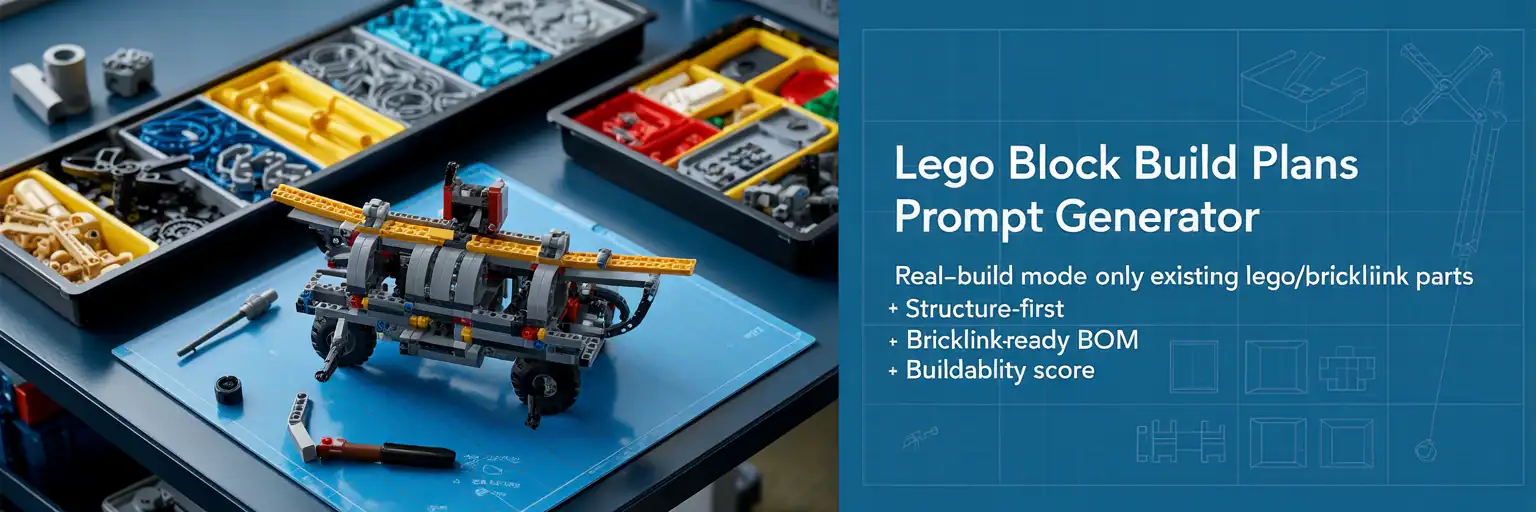
Build Better LEGO-Style Ideas With a Copy-Ready Prompt Generator
Pick the build style, scale, colors, parts direction, and difficulty. Then generate a cleaner prompt you can paste into ChatGPT, Copilot, or your favorite AI tool.
What This Tool Does
This tool turns simple menu choices into a structured LEGO-style build prompt. It helps you plan the model concept, part direction, build purpose, and instruction style before you spend time rewriting the same prompt by hand.
LEGO Build Prompt Generator
Choose your options, generate the prompt, then copy it into your AI builder workflow.
Your Copy-Ready Prompt
Draft reminder: verify real-world LEGO geometry, part availability, and structure in BrickLink Studio before buying parts.
Support the project
These free tools take time to build, test, and improve. A small support click helps keep TacoCat generators online and helps fund new pages.
Support the projectHow a LEGO Build Prompt Generator Helps You Start Faster
A good LEGO-style build starts with a clear idea. However, many builders lose time because the first prompt is too vague. This generator gives you a stronger starting point by turning your choices into a structured build brief.
Start With the Model Goal
The project type, scale, and piece count tell the AI what kind of model you want. That makes the result easier to shape into a real build concept. It also helps avoid prompts that jump between too many styles at once.
Use Parts Direction Before Visual Details
Colors, techniques, and features guide the design before the final look is described. This matters because LEGO-style models need structure, legal connections, and parts that make sense. A better prompt can lead to cleaner modules and fewer confusing steps.
Treat the Output as a Draft Build Brief
The generated text is best used as a planning draft. Copy it into ChatGPT or Copilot, ask for a stronger version, then request module-by-module guidance. Before calling any design final, rebuild it digitally and check the parts list.
Why This Workflow Helps LEGO Fans
This workflow helps hobby builders, parents, teachers, and MOC fans move from a blank page to a focused build idea. Instead of guessing what to ask for, you can create a practical prompt that explains scale, structure, colors, features, and use case in one place.