Farmers Market Stall Prompt Generator
Create copy-ready prompts for farmers market booth images, produce stand scenes, food stall displays, vendor table layouts, chalkboard signage, local market branding, and handmade food business visuals.
Copy-Ready Market Prompt Outputs
Generate four levels for AI image tools, planning boards, food stall mockups, and social media content ideas.
Basic
Intermediate
Advanced
Crazy Wild
Support the project
Keep free TacoCat generators online and help fund more practical tools for local sellers, creators, food vendors, teachers, and small businesses.
How to Create Better Farmers Market Stall Prompts, Food Booth Images, and Vendor Display Ideas
A strong farmers market stall prompt helps creators turn a simple food booth idea into a clear visual plan. This generator is built for people searching for farmers market booth image prompts, produce stand display ideas, food stall mockups, vendor table layout inspiration, chalkboard signage prompts, and local market branding visuals.
Instead of starting with a blank prompt box, visitors can choose real market details. The result is easier to paste into an AI image tool, a social media planner, or a vendor booth planning document.
Why Farmers Market Prompts Need Specific Details
Generic prompts often create generic booths. A better prompt names the stall type, goods, lighting, signage, crowd level, season, and material choices.
That detail helps the image feel real. It also makes the output more useful for a vendor who needs booth inspiration, ad graphics, or a layout idea.
For example, a honey and jam booth should not look like a seafood stall. A holiday pop-up should not use the same lighting as a summer morning produce stand.
Food Vendor Booth Layout and Display Planning
A good food stall scene needs a clear customer path. The prompt should show where the products sit, where the sign appears, and where payment happens.
Vendors can use prompt outputs to test booth ideas before buying supplies. This helps with table placement, signage scale, baskets, crates, coolers, and display height.
The generator includes layouts such as front-facing counters, market wagons, food carts, sampling stations, and long tables with end caps.
Readable Farmers Market Signage and Price Tags
Signage is one of the most important parts of a market image. It tells the customer what is being sold and creates a handmade local feel.
Prompting for chalkboard hand-lettering, painted rustic wood, hanging tags, or simple modern type can change the whole mood of the booth.
Readable signs are also better for social posts and vendor mockups. They help the image communicate fast.
Produce, Bakery, Coffee, Flowers, Honey, and Street Food Scenes
Each market category has its own visual language. Produce prompts need crates, leafy texture, and fresh color. Bakery prompts need warm surfaces and stacked bread.
Coffee carts benefit from steam, cups, pastry displays, and morning light. Flower stalls need buckets, bundles, height, and color movement.
Street food stalls need clean prep areas, readable menus, safe serving zones, and inviting crowd flow.
Food Safety, Allergens, and Accessible Booth Details
Market visuals should look inviting, but they should also look safe and practical. Covered samples, allergen signs, hand-wash stations, compost bins, and QR payment placards can improve realism.
These details matter because small food businesses need trust. A clean booth image can suggest care, organization, and professionalism.
The generator encourages family-friendly and accessible scene descriptions without brand names or risky layouts.
How This Page Supports Search Traffic
This page combines a practical generator with a helpful guide. The generator answers the action-based search intent, while the article explains how to use the prompts.
The smarter related-links box below keeps visitors moving to useful TacoCat tools. That reduces dead ends and supports internal linking.
Together, the tool, article, next-step section, FAQ, and six related links create a stronger high-intent page for long-tail market, vendor, and food booth searches.
What to Do Next With Your Market Stall Prompt
Turn the generated prompt into a useful market planning asset.
Smart Related Links for Market Vendors and Food Creators
These six links support the exact audience for farmers market stalls, local vendors, food booths, and small creative businesses.

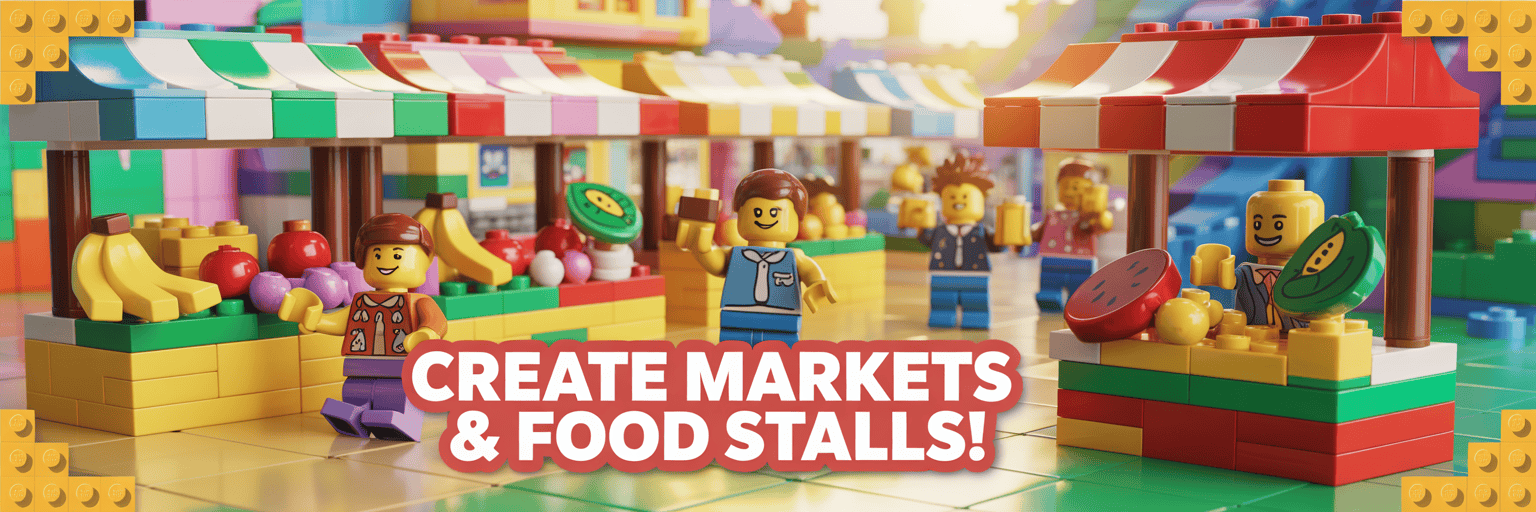
Farmers Market Stall Prompt Generator FAQ
What does this generator create?
It creates copy-ready prompts for farmers market booth images, food stall displays, produce stand scenes, and vendor table mockups.
Who should use it?
Food vendors, market organizers, handmade sellers, small business owners, social media creators, and local event promoters can use it.
Can I use the prompts for image tools?
Yes. The outputs are written for AI image tools, planning boards, ad mockups, and creative direction.
Why is there an article below the tool?
The article supports search traffic by explaining the tool, covering long-tail keywords, and helping visitors understand how to use the prompt outputs.