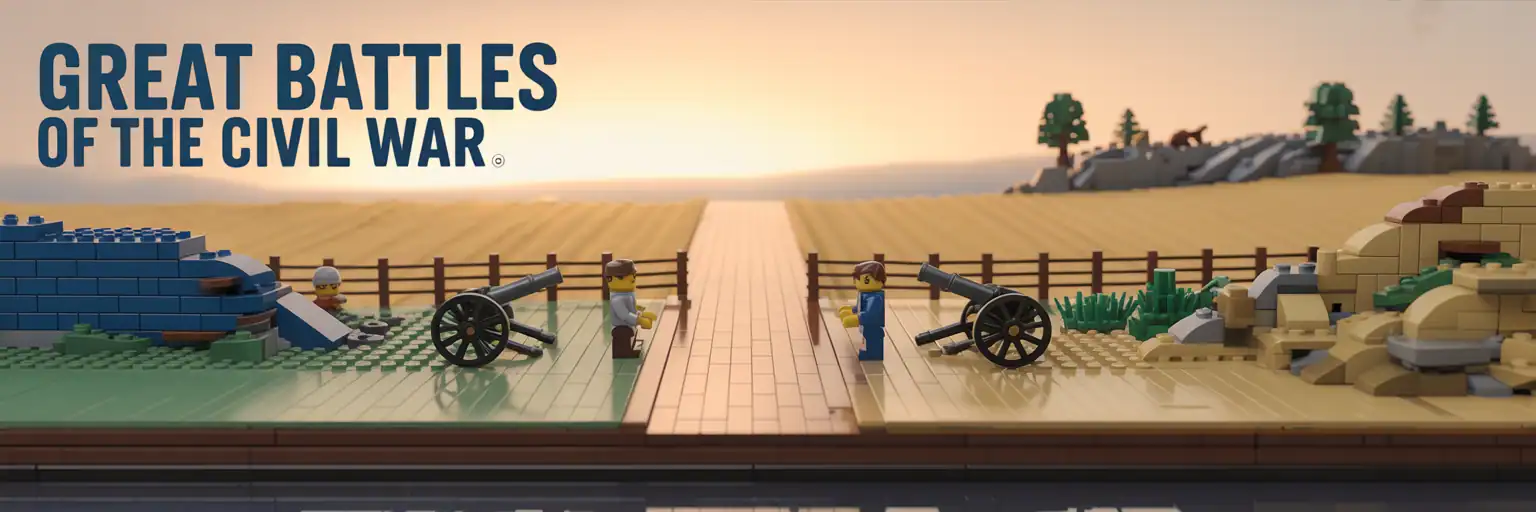
LEGO Civil War Battlefield Plans Generator
Create copy-ready LEGO-style battlefield diorama prompts for Gettysburg, Antietam, Shiloh, Vicksburg, Manassas, and Chickamauga. Choose the battlefield, scale, terrain, fences, stone walls, figure layout, props, photo angles, and parts strategy, then generate a structured plan you can paste into ChatGPT, Copilot, or your own build notes.
Copy-Ready Build Outputs
Outputs are draft design prompts. Validate real LEGO geometry, connections, and parts availability before calling a model build-ready.
Level 1: Quick Battlefield Concept
Level 2: Builder Plan Prompt
Level 3: Parts / BOM Strategy
Level 4: Photo + SEO Product Pack
How to Create a LEGO Civil War Battlefield Diorama Plan
A LEGO Civil War battlefield diorama needs more than a few gray and blue pieces. It works best when the terrain, scale, labels, and build choices all support one clear historical scene. This generator helps builders turn a battlefield idea into a structured LEGO-style prompt that can guide a school project, display build, poster mockup, or BrickLink parts plan.
The goal is not to make war look flashy. Instead, the page focuses on educational battlefield terrain modeling, museum-safe Civil War diorama planning, family-friendly history projects, and realistic LEGO landscape design. That makes it useful for students, parents, history teachers, LEGO fans, homeschool projects, and builders who want a respectful historic display.
Why Battlefield Terrain Matters in a LEGO History Model
Terrain is the main storytelling tool in a battlefield diorama. A ridge, fence line, creek crossing, orchard, bridge, stone wall, or sunken road tells the viewer where the action happened. Therefore, the best LEGO battlefield plans start with land shape before they add figures or props.
For example, a Gettysburg-inspired display may need a ridge, a stone wall, and open fields. An Antietam-inspired scene may need a sunken road, cornfield texture, or bridge approach. A Vicksburg siege display may focus on earthworks, ravines, and layered dirt colors. Those visual choices help the model feel specific instead of generic.
Start With the Base Before Adding Details
A small 32 x 32 stud base can show one focused moment. However, a 64 x 64 or 96 x 64 layout can show a full terrain relationship. This matters because Civil War battlefields were shaped by distance, high ground, roads, bridges, and field edges.
Use the generator to choose a base size that matches the purpose. A classroom project may need a compact base that travels safely. A shelf display may need a clean tiled edge. A large builder plan may need modular sections that connect with Technic pins.
Best LEGO Pieces for Historic Battlefield Texture
Good Civil War battlefield LEGO terrain usually uses common parts in earth-tone colors. Tan, dark tan, olive green, reddish brown, sand green, light bluish gray, and dark bluish gray help create fields, ridges, roads, stone walls, and woodlines. These colors are easier to blend than bright colors.
Plates create broad land forms. Slopes create banks and ridges. Round 1 x 1 tiles make scattered rocks. Bars and clips make fences. Cheese slopes make rubble. Small plant pieces can suggest brush without covering the whole scene. As a result, the build can stay readable and affordable.
Keep Figures Abstract and Respectful
Historic conflict models should avoid gore, shock, or exaggerated violence. This generator uses a family-friendly tone lock so builders can create a respectful educational display. Generic blue and gray silhouettes, distant microscale figures, or simple studs can suggest scale without making the model graphic.
Flags should also stay abstract. Simple color bands, pennants, or neutral markers work better than detailed insignia. This keeps the page useful for schools, museums, and family spaces.
How Teachers and Students Can Use This Generator
Students can use the tool to turn a history assignment into a clear build plan. First, choose the battlefield. Next, choose the scale and base size. Then select terrain features that match the location. Finally, generate the prompt and use it as a planning sheet before building.
Teachers can also use the page for project structure. The output gives students a way to explain why their diorama includes certain terrain features. That helps the model become a history explanation, not just a decoration.
Example Classroom Use
- Pick one battlefield and identify the main terrain feature.
- Create a 32 x 32 or 48 x 48 stud model plan.
- Use labels for ridge, road, wall, bridge, or earthworks.
- Write a short paragraph explaining how terrain shaped the scene.
- Keep the model respectful, neutral, and educational.
How Builders Can Improve the Generated Plan
The generator creates a strong draft. However, real build quality depends on testing. Check whether the base flexes. Test whether fences fall apart. Make sure stone walls have stable connections. Then revise the parts list before buying pieces.
Advanced builders can rebuild the output in BrickLink Studio. This helps catch impossible connections, floating parts, color issues, and part availability problems. It also makes the final plan easier to share, revise, or turn into a polished PDF.
Important Buildability Rule
A generated prompt is not the same as a verified LEGO model. A verified model needs a locked digital build file, legal connections, a clean parts export, and step-by-step instructions that match the final model. Until then, treat the output as a draft design spec.
Search Intent This Page Serves
This page is built for people searching for a LEGO Civil War battlefield diorama generator, a Gettysburg LEGO diorama plan, a historic battlefield model prompt, a Civil War school project idea, a LEGO history project generator, or a BrickLink parts strategy for a battlefield display. It answers those searches with a working tool, practical build guidance, and a clear next step.
Because the article sits below the generator, visitors can use the tool first and then learn how to improve the output. That structure supports both search traffic and real user value.