LEGO City Corner Shops Generator
Create a modular city corner block with storefronts, sidewalks, windows, interiors, signs, rooftop details, parts buckets, and copy-ready LEGO-style building prompts.
 AI Generator Master Pack
Use the same prompt-building workflow behind TacoCat generators, LEGO plan pages, and creative build tools.
View the Pack
AI Generator Master Pack
Use the same prompt-building workflow behind TacoCat generators, LEGO plan pages, and creative build tools.
View the Pack
1. Quick Concept
2. Builder Brief
3. Detailed Plan
4. Parts & Prompt Pack
Support the Project
These free LEGO-style planning tools take time to build, test, and improve. The master pack helps keep more generators free.
Get Full Build PackHow to Plan a LEGO City Corner Shops Build
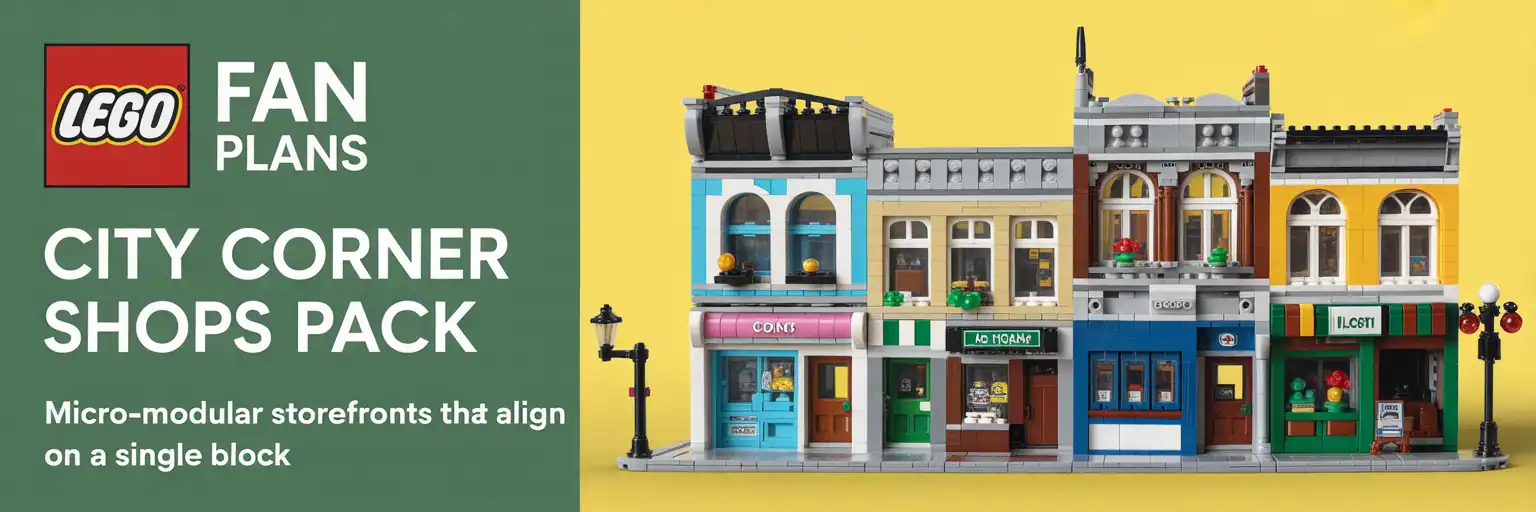
A LEGO city corner shops generator helps builders turn a blank baseplate into a believable streetscape. Instead of starting with loose ideas, the tool creates a clear modular storefront plan with shops, sidewalks, wall colors, signage, windows, upper floors, and small story details.
This type of generator is useful for custom LEGO town layouts, modular building displays, LEGO city street scenes, and minifigure-scale shopping districts. It gives you a starting point before you sort parts, open BrickLink Studio, or sketch the building footprint.
Why Corner Shops Work So Well in a LEGO City
Corner buildings create instant movement. They face two streets, support more window displays, and make a city layout feel larger than it is.
For that reason, corner shops are strong anchor builds. A bakery, café, bookstore, florist, barbershop, or bike repair shop can become the visual center of a town block.
The best LEGO-style city corner builds also include small signs of daily life. Add sidewalk tables, delivery crates, flower tubs, rooftop vents, mailboxes, traffic lights, and apartment windows.
Long-Tail Build Ideas This Generator Covers
- LEGO modular corner shop ideas for a city layout.
- Custom LEGO storefront building prompts for beginners and MOC builders.
- LEGO town street scene plans with shops, signs, and sidewalks.
- LEGO café and bookstore corner building concepts.
- LEGO city parts list planning for windows, tiles, masonry bricks, and plates.
- LEGO minifigure shopping street ideas for display shelves and train layouts.
How to Use the Generated Plan
Start with the quick concept. It tells you the main building idea, the footprint, and the visual theme.
Then move to the builder brief. This gives you modules, shop zones, street details, and display priorities.
Finally, use the detailed plan and parts pack as a project checklist. It will not replace a locked Studio file, but it gives you a strong design direction before you build digitally or physically.
Best Parts for LEGO-Style City Corner Shops
Useful parts include masonry bricks, 1×2 and 1×4 bricks, plates, tiles, window frames, door frames, arches, brackets, modified plates, slopes, curved slopes, and small printed signs.
For sidewalks, light bluish gray tiles work well. For walls, mix tan, dark tan, white, dark red, nougat, sand green, or light blue.
For shop personality, use awnings, flower stems, transparent panels, food pieces, books, tools, mugs, bicycles, lamps, benches, and crates.
Trust Notes for Builders
This page creates a design plan and prompt pack. It is best used as a planning tool before final LEGO building, BrickLink Studio modeling, or parts ordering.
Always test wall strength, floor removal, roof access, and sidewalk connection points before calling the model finished.