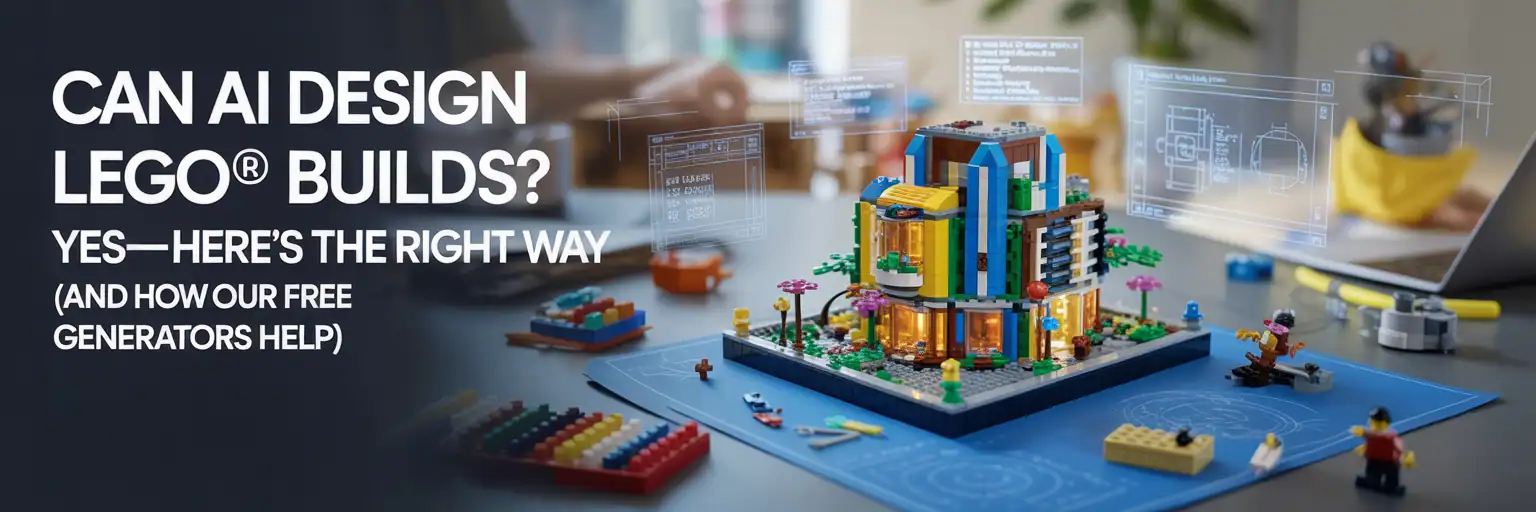
Can AI Design LEGO Builds?
Yes, AI can help plan LEGO builds. However, it only becomes useful for real builders when it follows scale, structure, legal techniques, parts awareness, and honest validation.
The honest answer for LEGO builders
People ask, “Can AI design LEGO builds?” The honest answer is yes, but only with rules.
AI is strongest when it acts like a planning assistant. It can organize ideas, define scale, suggest structure, outline parts categories, and turn a loose idea into a clearer LEGO MOC design brief.
However, AI should not be treated as proof that a model has been physically built. A pretty image is not a stability test. A good plan still needs legal connections, parts checks, BrickLink Studio review, and real-world testing when possible.
What “AI designed a LEGO build” really means
When someone says AI designed a LEGO build, it can sound like the computer created a perfect finished model from nothing.
That is not the right way to think about it. AI works better as a builder’s outline tool. It can help you plan the build before you open Studio or dump the parts bin on the table.
Used correctly, AI can help with:
- Scale targets, footprint, and rough proportions.
- Core structure, bracing, and load-path thinking.
- Paneling ideas, SNOT direction, and legal technique reminders.
- Color planning and parts availability concerns.
- Mockup prompts for thumbnails, listings, and social posts.
- Repeatable checklists that make each build easier to improve.
What AI LEGO tools can and cannot do
What TacoCat generators can help with
- Create a clear build brief from your menu choices.
- Push the plan toward real LEGO techniques instead of fantasy parts.
- Explain structure before decoration.
- Estimate parts categories for BrickLink or parts-bin prep.
- Give you a better starting point for Studio validation.
What we do not promise
- We do not claim AI images are physical proof.
- We do not call a draft “Studio-validated” without locked proof files.
- We do not promise exact part prices or instant official-style instructions.
- We do not bypass gravity, weak joints, rare colors, or illegal connections.
The fair concern: “I only trust plans someone built.”
This concern is valid. Many LEGO builders have seen glossy AI pictures that could never survive as real models.
We agree that a physical build is the gold standard. A locked BrickLink Studio file with matching BOM exports is also far stronger than a plain image.
That is why TacoCat uses a Draft vs Verified mindset. A draft plan is a structured design spec. A verified plan needs stronger proof, such as a Studio file, wanted list, and instructions that match the model.
A stronger AI-to-LEGO workflow
Choose the vehicle, building, train, scene, or MOD theme you want to build.
Use the TacoCat generator library to turn the idea into scale, modules, structure, and parts strategy.
Treat draft plans as planning documents until the model is validated in Studio or tested with real bricks.
Check the chassis, spine, base, hinges, or load-bearing module before decorating the model.
A hero image can guide styling, but it should never replace the actual build proof.
Why the $7 LEGO builder pack matters
The $7 TacoCat AI Generator Master Pack is useful because it gives LEGO MOD builders a repeatable way to ask better questions.
Instead of typing one vague prompt, builders can create clearer briefs for scale, body shape, color direction, parts-list thinking, instruction flow, listing copy, and image mockups.
That matters because better inputs create better planning outputs. Better planning saves time, reduces random parts hunting, and gives you a cleaner path into Studio or a real parts-bin test.
Built from the same workflow used across the TacoCat LEGO library
All TacoCat LEGO real-build planning pages were built from this kind of prompt-pack workflow. For a LEGO MOD builder, the value is simple: faster planning, cleaner build briefs, better mockup prompts, stronger parts-list thinking, and a repeatable process you can reuse on your own MOCs.
Bottom line
Yes, AI can help design LEGO builds. But the useful version is not magic. It is structured planning, builder judgment, validation, and improvement.
Use AI to get organized. Use TacoCat generators to create a stronger starting brief. Then use Studio, your parts bin, and your own hands to prove what works.
What to read next
Keep visitors moving deeper into the LEGO builder path with these related pages.
Support the TacoCat LEGO Tools
Super supporters help keep the project growing with better LEGO planning tools, cleaner pages, and more builder-focused updates.
Become a Supporter