Level 1 — Quick Snapshot
Click Generate to create the quick snapshot.
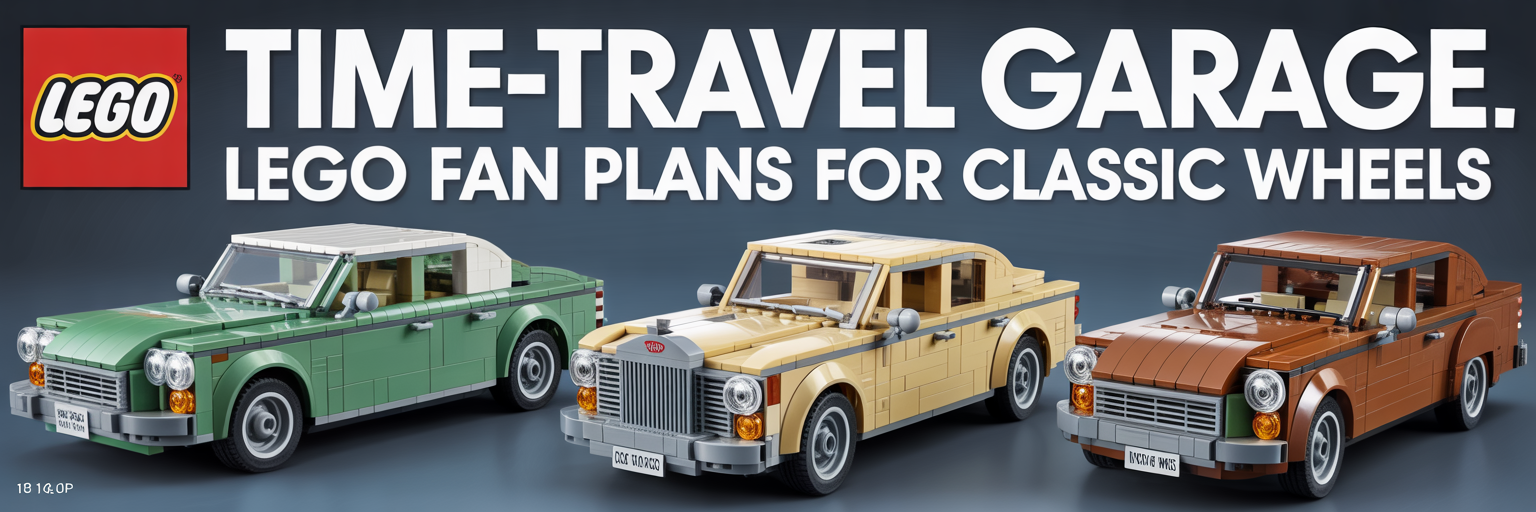
Use this generator to turn the wild Mystery Men vehicle into a practical brick-style design brief, structured module guide, parts strategy, and copy-ready prompt pack for deeper AI refinement.
This page helps LEGO fan builders plan a Herkimer Battle Jitney-inspired model with stronger structure, cleaner proportions, and safer part choices. It is built for draft design work before BrickLink Studio validation.
Choose a scale, width, finish, interior level, and feature set. Then generate four outputs: a quick snapshot, a builder brief, an executable build spec, and a release-ready prompt pack with BOM guidance.
Click Generate to create the quick snapshot.
Click Generate to create the builder brief.
Click Generate to create the detailed build spec.
Click Generate to create the final prompt pack.
These free tools take time to build, test, and improve. A small support click helps keep TacoCat generators online and funds more useful pages.
The Herkimer Battle Jitney is a strong subject for a LEGO fan build because it has a clear silhouette. The model needs a heavy three-axle stance, a rounded front, side pod shapes, and a long armored body. Therefore, the best workflow starts with structure before decoration.
A wide vehicle should use a strong internal spine. A Technic-style center frame, boxed plate floor, and repeated crossmembers help stop sag. This gives the body a stable base before you add curved slopes, tiles, and side details.
The outer body should not carry all the weight. Instead, use brackets, jumpers, and SNOT ribs to support smooth panels. This makes the front curve, fenders, and side pod areas easier to adjust without weakening the model.
The generator gives you a strong build direction, but it is not final proof. Next, rebuild the idea in BrickLink Studio, check collisions, confirm part colors, and export the final parts list. That step protects you from buying parts for a model that still needs fit corrections.