Build Controls — 1946 Chevrolet Pickup (Advance-Design style)
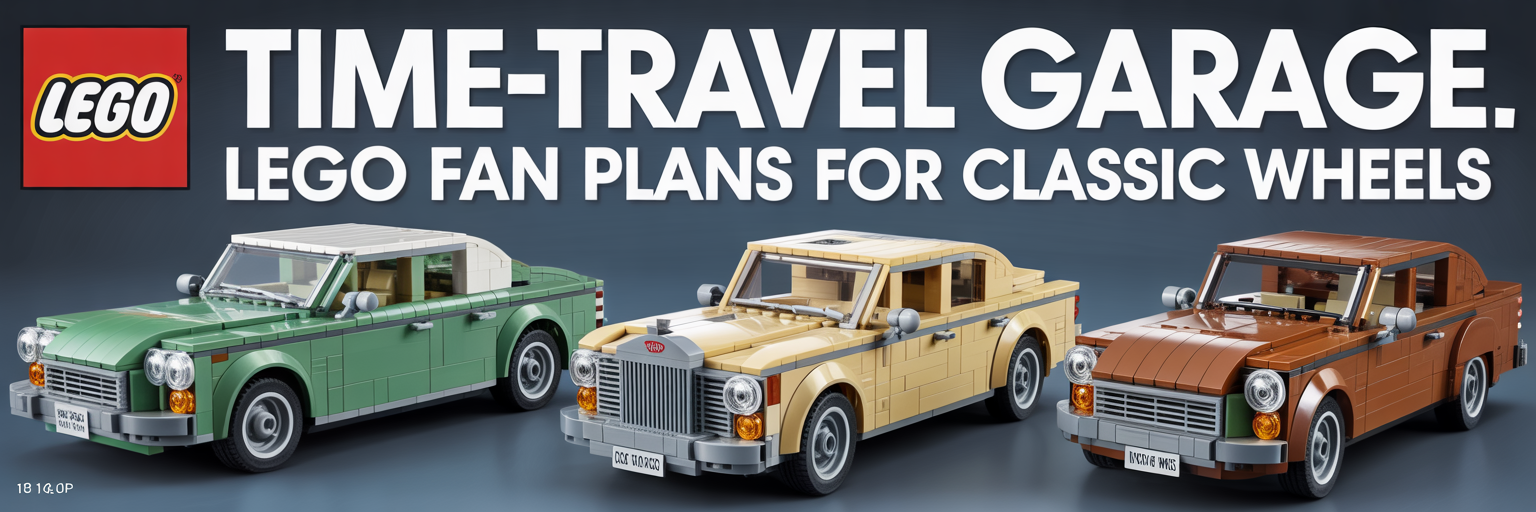
Some rendered images may show colors or finishes not currently produced by LEGO. Substitution notes are included.
Research Dossier (embedded)
Target: 1946 Chevrolet Pickup (postwar classic look). Signature cues: tall rounded fenders, horizontal grille bars with center emblem area,
rounded hood crown, split windshield vibe, step-side bed, period bumper, simple steel wheels, and bold two-tone paint option.
Build intent: rigid chassis spine, body-on-frame feel, clean seams, real-build legality.
Parts List Filter + Cost Analysis ($0.07/brick)
| Part | Design/Element | Color | Qty | Rarity |
|---|---|---|---|---|
| Generate to load parts list. | ||||
How to Use This With BrickLink Studio (9th Grade Easy)
1) Build the model in BrickLink Studio following Level 3/4 step blocks (chassis → body frame → cab → bed → trim).
2) Run Studio checks: collision check (no intersections) and connectivity (no floating).
3) Export BrickLink XML Wanted List from the final Studio model. Use that for ordering parts.
4) If a part/color is unavailable, apply substitutions ONLY from the Approved Substitution List in Level 4.
5) Re-run collision/connectivity after substitutions. Final imagery must match the validated Studio model exactly.
2) Run Studio checks: collision check (no intersections) and connectivity (no floating).
3) Export BrickLink XML Wanted List from the final Studio model. Use that for ordering parts.
4) If a part/color is unavailable, apply substitutions ONLY from the Approved Substitution List in Level 4.
5) Re-run collision/connectivity after substitutions. Final imagery must match the validated Studio model exactly.
TacoCat Real Build Technology plans are AI-assisted. Minor inconsistencies may occur. Verify suitability before building. Not affiliated with or endorsed by LEGO®.
LEGO1: Ready